For Lovable, Base44, Bolt, Replit, v0 and Cursor projects

Your vibe-coded app can use the phone properly — and go live on both stores

Notifications, camera, subscriptions, health data, location and more. No app development, no Mac, no rewriting your project. Here's exactly what's possible, in plain English.

Live in days, not months

Builds in minutes; store review is the only wait.

Review-ready

We check the common Apple rejection reasons before you submit.

Keeps updating itself

Deploy your project and your app changes instantly.

What your app can do

Pick the thing you want your app to do. Everything here is already supported — most of it needs one line pasted into your project, the rest has a step-by-step guide with prompts you can hand straight to your AI builder.

One simple prompt

Every capability on this page is set up the same way: we hand you a ready-made prompt, you paste it into your project, and we take care of the phone side.

One simple prompt

Send notifications to your users’ phones

Real push notifications on the lock screen — announcements, reminders, order updates — sent from your app or from your AppBuild dashboard.

One simple prompt

Take photos and scan barcodes or QR codes

Open the real camera to snap a photo, upload from the phone’s gallery, or scan a code — no clunky browser file picker.

One simple prompt

Charge for subscriptions inside the app

Sell monthly or yearly plans through Apple and Google’s own payment screens, with your paid features unlocking automatically.

One simple prompt

Read health and fitness data

Steps, workouts, heart rate and more from Apple Health or Android’s Health Connect — with the user’s permission.

One simple prompt

Know where the user is while they’re using the app

Show what’s nearby, drop them on a map, or work out distance — the everyday kind of location that most apps need.

One simple prompt

Keep tracking location in the background

Carry on recording a route or a delivery when the phone is locked or your app isn’t on screen.

One simple prompt

Save files, share, and open other apps

Download a PDF or receipt, pop up the native share sheet, pick a file from the phone, or hand off to maps, mail and messaging.

One simple prompt

Sign in the way phone users expect

Sign in with Apple or Google, plus Face ID / fingerprint unlock for returning users.

One simple prompt

Play audio in the background

Podcasts, radio and courses keep playing when the screen is off, with proper lock-screen controls.

One simple prompt

Use the phone’s hardware and sensors

Keep the screen awake, vibrate, use the torch, react to a shake, lock the orientation, or read the compass and motion sensors.

One simple prompt

Talk to nearby devices and tags

Print receipts to a Bluetooth printer, connect to Bluetooth hardware, read NFC tags, or pick up beacons in a venue.

One simple prompt

Fit into the rest of the phone

Add to the calendar, read contacts with permission, set alarms, use dictation, ask for an App Store review, and hide the screen in the app switcher.

Real apps, really shipped

These were all built by people like you in Lovable and Base44, then published through AppBuild.diy. Tap any of them and have a look around.
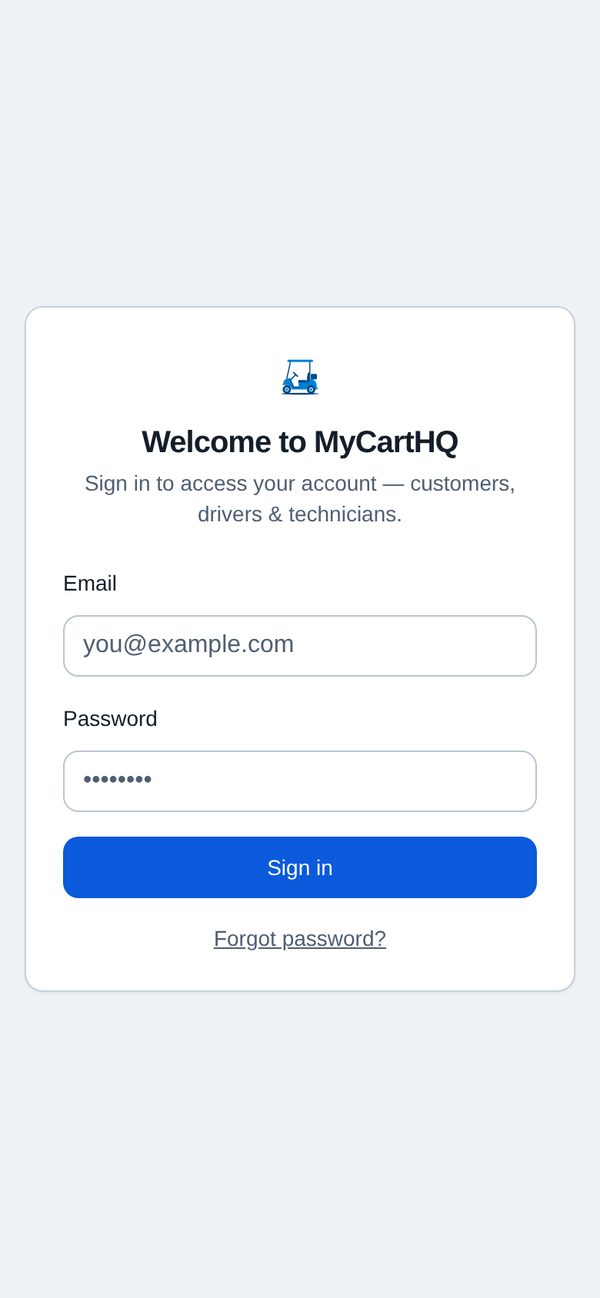
My Cart HQ running as a mobile app
My Cart HQ app icon

My Cart HQ

Built with Lovable

Dealership service app — appointments, driver routes and technician job queues in one place.
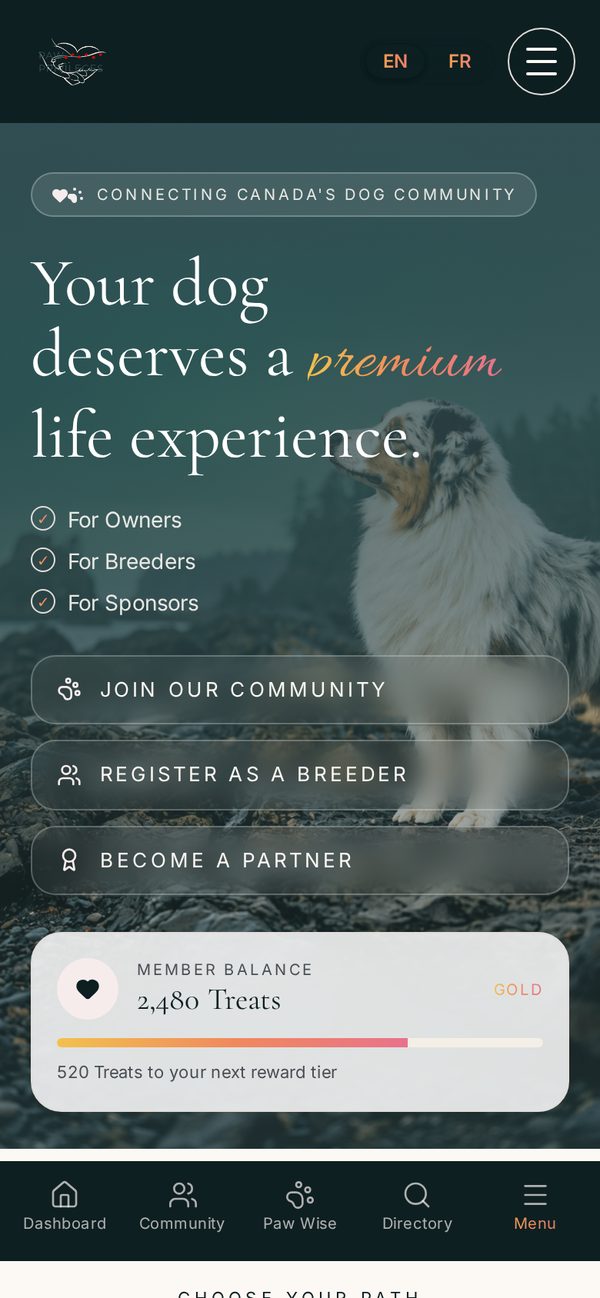
Paw Privileges Rewards running as a mobile app
Paw Privileges Rewards app icon

Paw Privileges Rewards

Built with Lovable

Rewards, adventures and a dog-friendly business directory for owners across Canada.
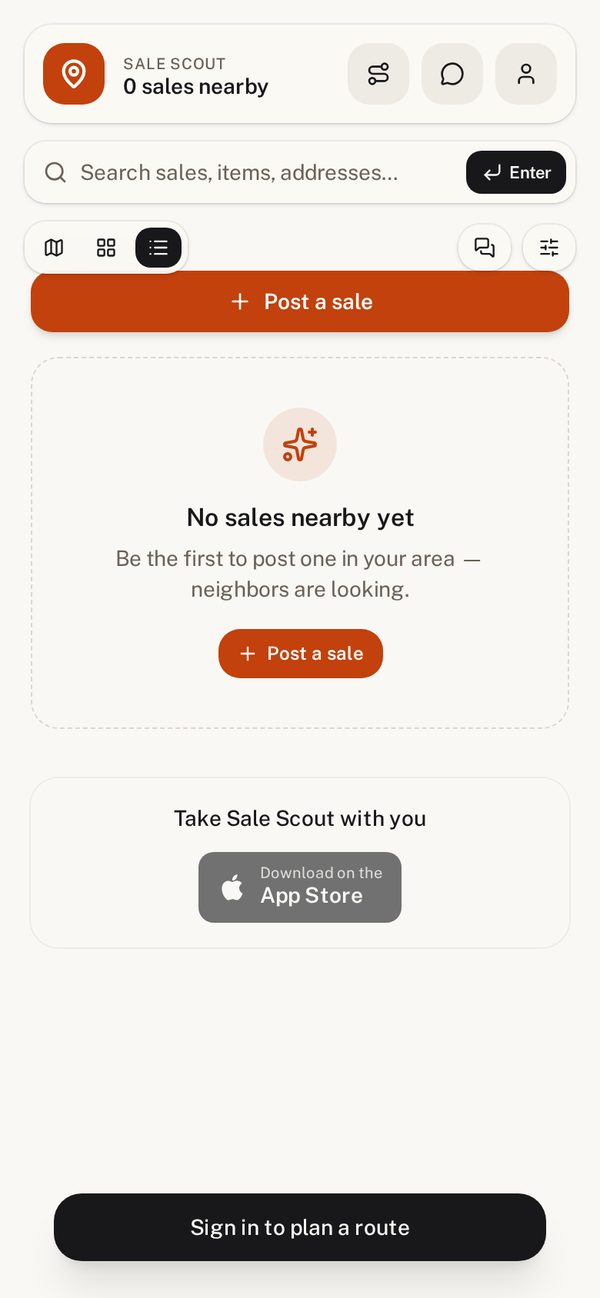
Sale Scout running as a mobile app
Sale Scout app icon

Sale Scout

Built with Lovable

Find garage, yard and estate sales near you on an interactive map and save your favourites.
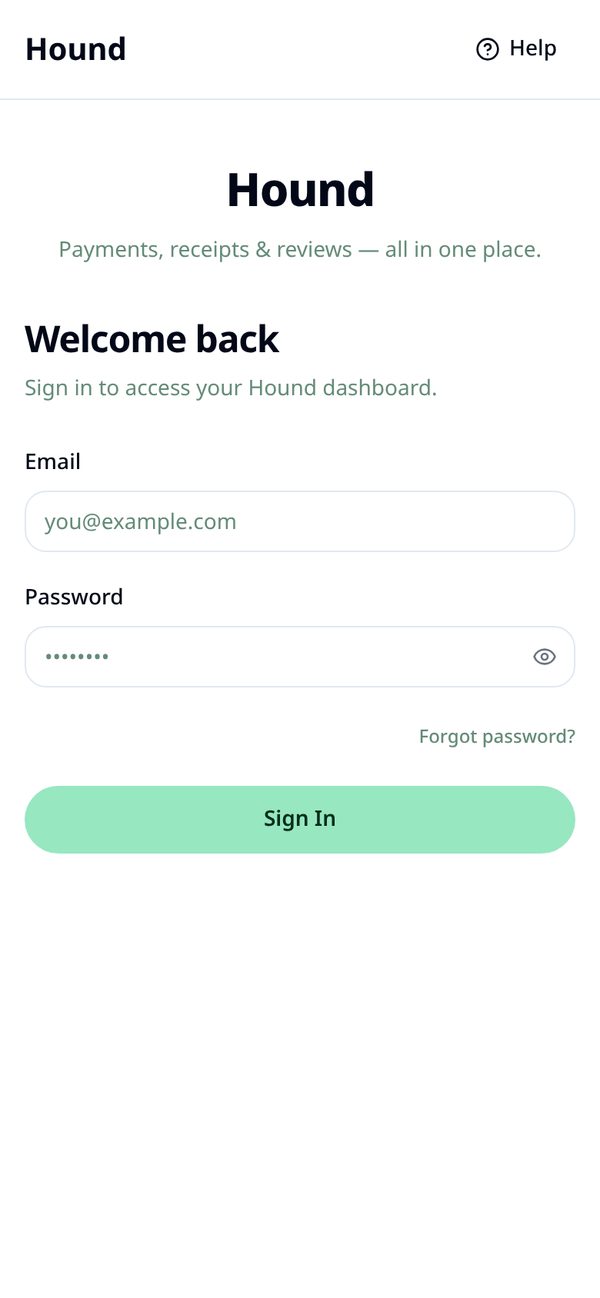
Hound running as a mobile app
Hound app icon

Hound

Built with Lovable

Payments, receipts and reviews for service businesses — all in one dashboard.
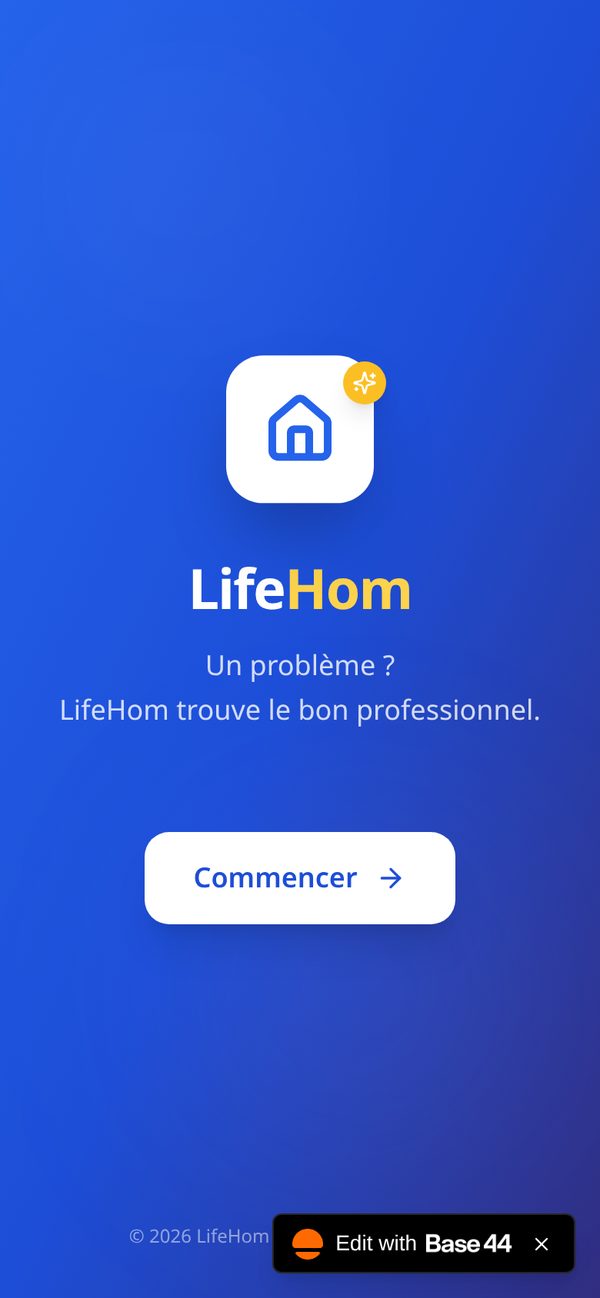
LifeHom running as a mobile app
LifeHom app icon

LifeHom

Built with Base44

A home and life management companion, built on Base44 and shipped to the stores.
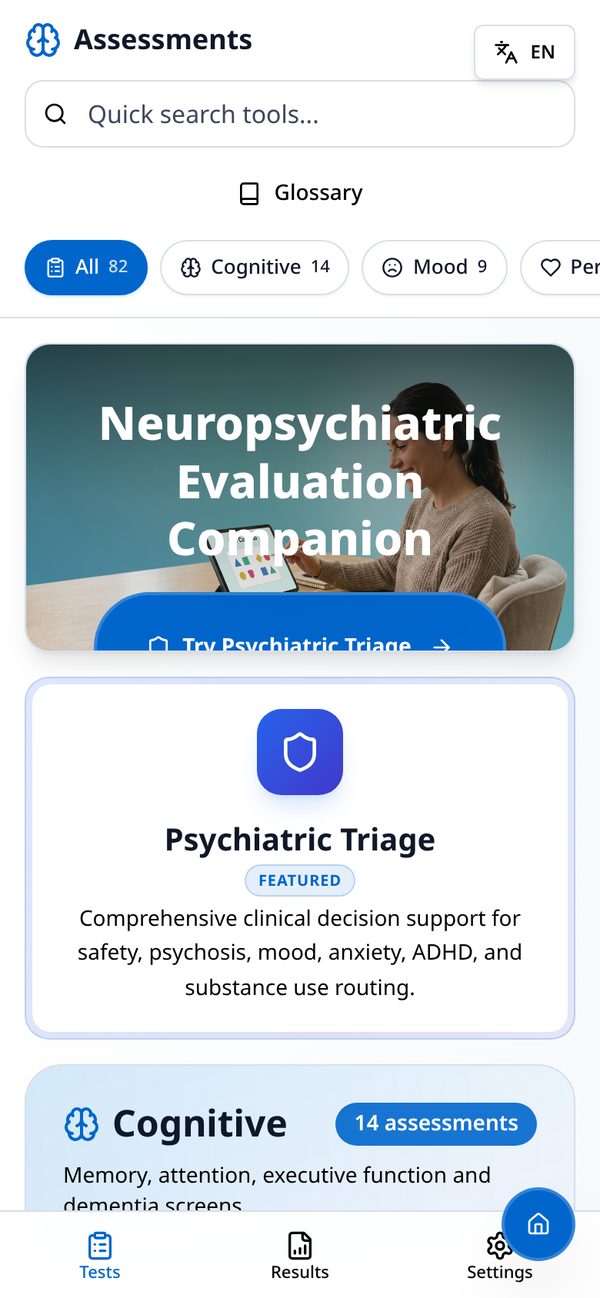
PsyCog Metric running as a mobile app
PsyCog Metric app icon

PsyCog Metric

Built with Lovable

Cognitive and psychiatric assessments delivered on the phone for clinicians and patients.
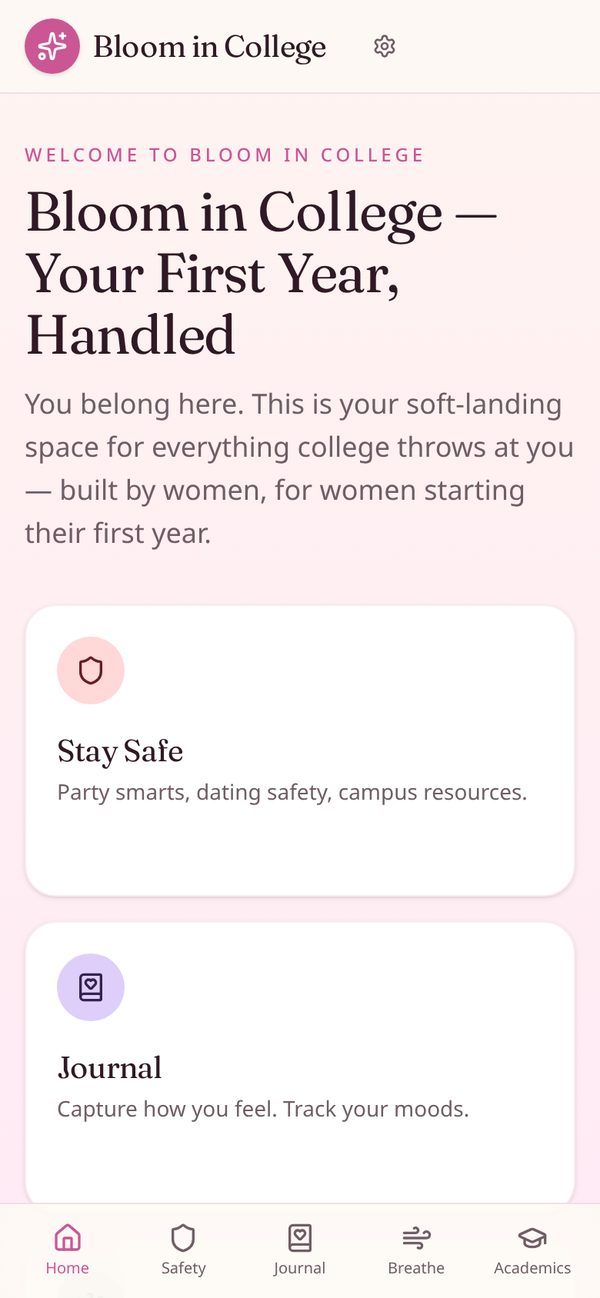
Bloom running as a mobile app
Bloom app icon

Bloom

Built with Lovable

A community and wellbeing app for members, with content and updates in their pocket.
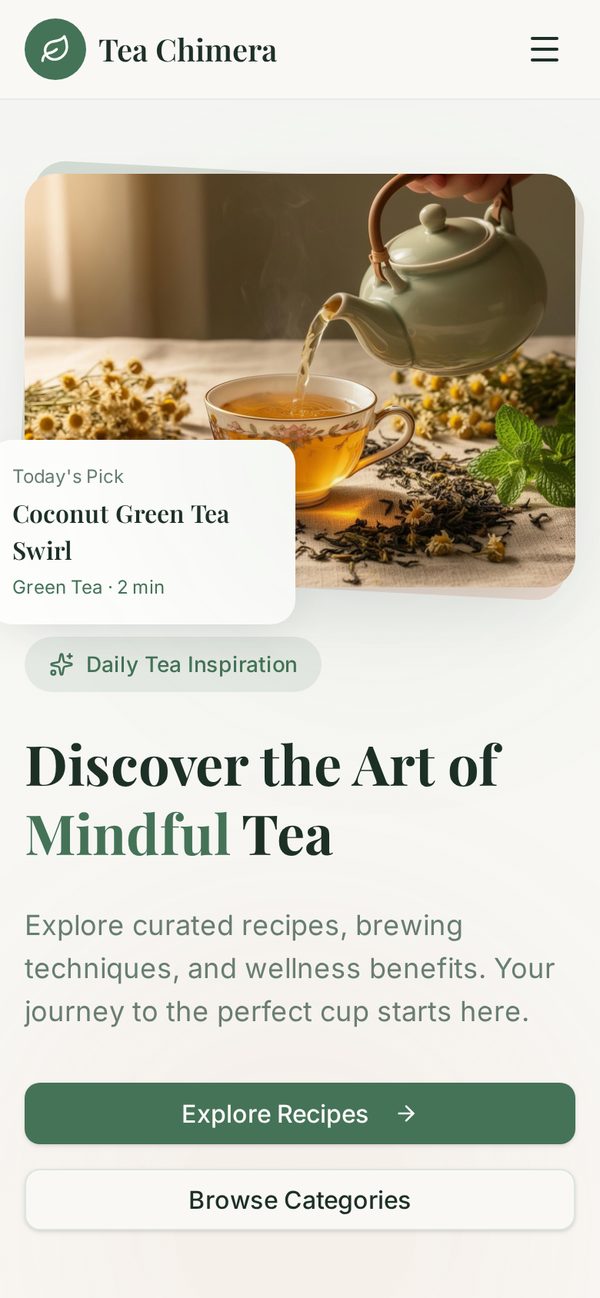
Tea Chimera running as a mobile app
Tea Chimera app icon

Tea Chimera

Built with Lovable

A tea discovery and ordering experience with a beautifully branded mobile shell.
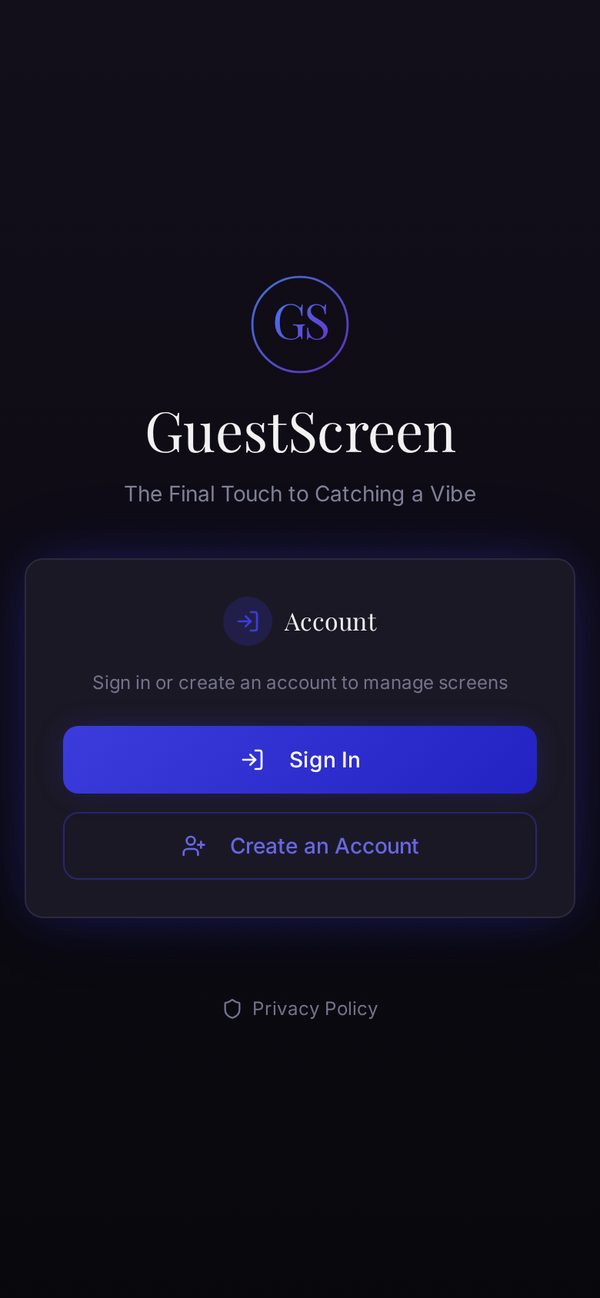
Guest Screen running as a mobile app
Guest Screen app icon

Guest Screen

Built with Lovable

Create and display custom welcome screens across smart TVs for hotel and venue guests.

Questions people ask us first

No. Your Lovable, Base44, Replit, Bolt, v0 or Cursor project stays exactly where it is. We wrap it in a real iOS and Android app, and it keeps updating the moment you deploy — no resubmission needed for content or design changes.

No Mac and no Xcode. You can publish under our developer accounts, or connect your own Apple and Google accounts if you already have them — we handle the certificates, builds and uploads either way.

Apple rejects apps that are just a website with nothing native about them, or that miss safety requirements. Before you submit we check your app for the common rejection reasons — sign-in rules, user-generated content safety, privacy wording, permission explanations — and tell you what to fix first.

Your build is ready in minutes. Store review is the slow part and is out of anyone’s hands: usually one to three days on Apple, and often faster on Google. First-time Google Play accounts can take longer because of Google’s own verification.

Deploy as normal and your users see the change immediately. You only need a new store build if you change the app icon, name, or turn on a new phone feature such as the camera or health data.

Yes. Subscriptions run through Apple and Google’s payment systems — they take their standard cut, you keep the rest, paid out to your account. We give you the setup guide and the prompts to wire the paywall into your project.

Three things worth knowing up front. Digital subscriptions have to be sold through Apple and Google’s own payment systems. Health data needs a genuine health purpose and a privacy policy — fitness, wellbeing and coaching apps pass regularly. Background location is only approved when tracking is the point of the app, such as run tracking, deliveries or field work; everyday “where am I now” location is fine in any app. We check all of this with you before you submit.

Ask us. The list above covers what the vast majority of apps need, but the underlying platform supports far more, and we add capabilities regularly. If something genuinely isn’t possible we’ll tell you before you pay.

Yes — your app is served from the same infrastructure your web project already runs on, plus our push notification service, which sends to hundreds of thousands of devices. Nothing about the wrapper caps your growth.

You do. Your code, your brand, your store listing, your customer relationships. If you publish under your own developer accounts, the listings sit in your name from day one.

We read the rejection with you, tell you in plain English what Apple or Google actually want, make any change that is on our side, and resubmit. Resubmissions are included.

Ready to get your app on the stores?

Paste your project URL, pick the features you need, and we'll take it from there — including the store listings, review and any resubmissions.