Free forever
Free
Perfect for getting started
$0
Up to 10 app users
- Apple App Store
- Google Play Store
- Web App (PWA)
- Tablet/iPad Support
- Desktop App
- Unlimited Team Members
- All features & Integrations
- Push notifications
- Analytics
- Support
Free forever for up to 10 app users. No credit card required.
App users = the people who use your published app (your customers)
Start free or launch for $49 — scale your app without switching platforms.
Perfect for getting started
For established businesses
For high-traffic apps
Perfect for getting started
For established businesses
For high-traffic apps
Every plan gets you everything you need to build and publish your app


A "User" is any unique person who opens and uses your app within a rolling 7-day period. We count distinct users — not page views, not sessions, just real people.
Same person, 100 visits = 1 user
We don't penalize engaged customers
Anonymous device identification
No personal data required
Your app goes live instantly as a PWA — no app store review, no developer accounts, no waiting. It works on every device and feels just like a native app.
Instant deployment
Live in seconds, not days
Works everywhere
iOS, Android, desktop — all devices
No accounts needed
Skip developer registrations entirely
Auto-updates
Users always get the latest version
Zero store fees
No commissions or annual charges
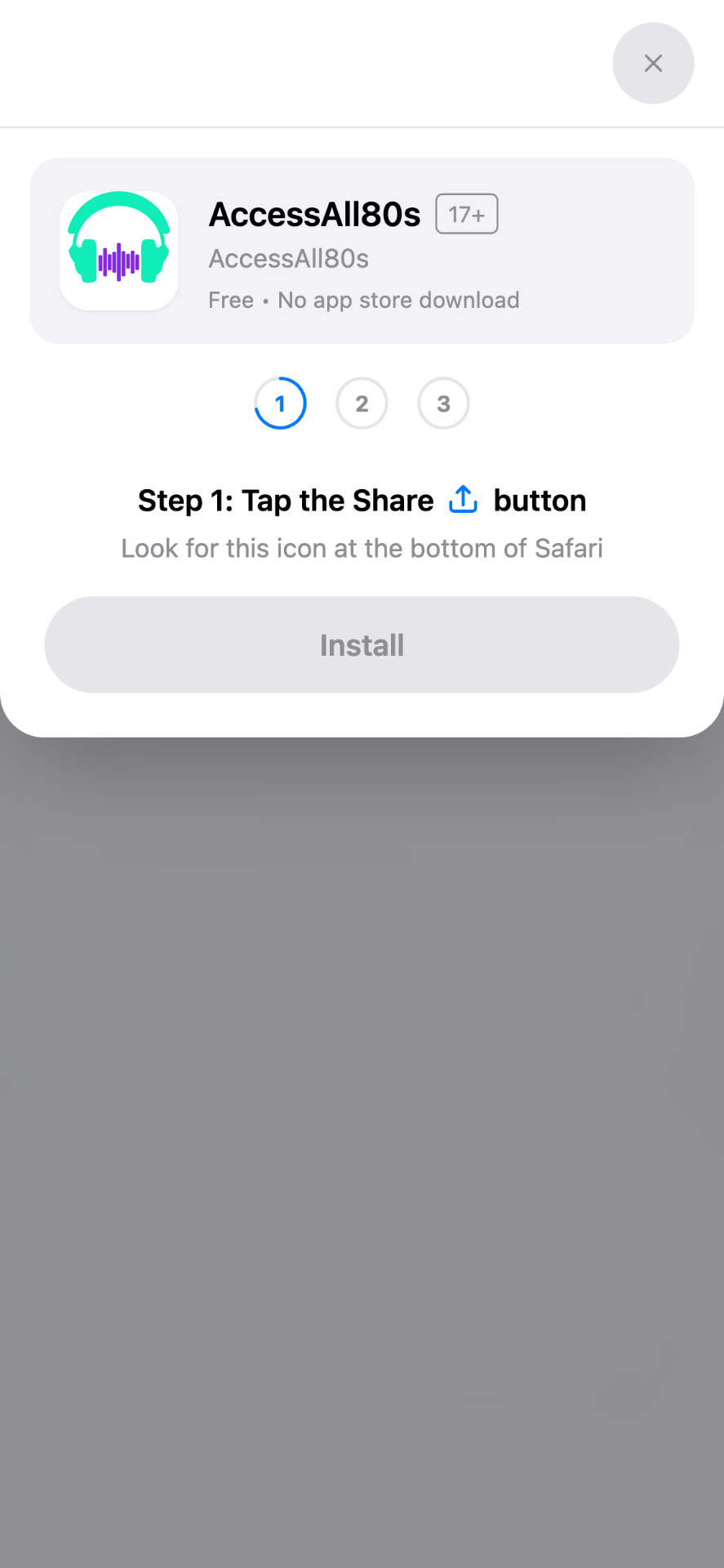
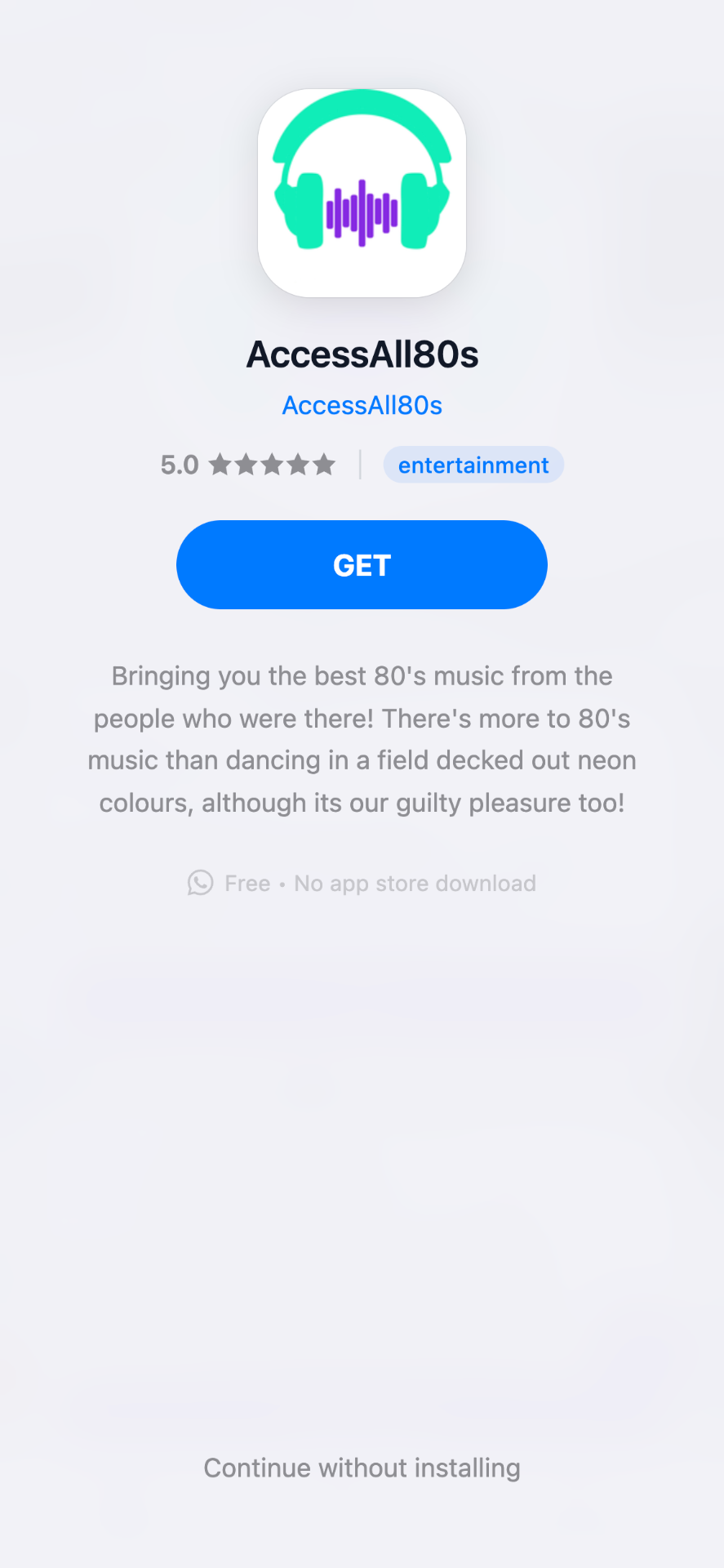
Our custom install screens make downloading your app feel just like the App Store — professional and familiar.
| Feature | PWA | App Store |
|---|---|---|
| Time to launch | Instant | 3-7 days |
| Developer account | Not required | Required |
| Ongoing fees | None | $99/yr (Apple) |
| Updates | Automatic | Review required |
| Available on | All devices | Platform-specific |
To publish on the Apple App Store, you'll need your own Apple Developer account. Don't worry — it's straightforward and we'll guide you through every step.
| Feature | Personal ($99/yr) | Business ($99/yr) |
|---|---|---|
| Name shown on App Store | Your personal name | Company name ✓ |
| D-U-N-S number required | No | Yes |
| Team management | No | Yes ✓ |
Our recommendation: For any business or brand, choose a Business account. Your company name appears on the App Store, which looks more professional and builds customer trust.
Google Play requires a developer account too, but here's the good news: it's a one-time $25 fee — no annual renewals!
| Feature | Personal ($25) | Business ($25) |
|---|---|---|
| Name shown on Play Store | Your personal name | Company name ✓ |
| Verification type | ID verification | Business verification |
| Fee type | One-time ✓ | One-time ✓ |
Our recommendation: Business accounts ensure your company name appears on your app listing. Google's verification process is straightforward.
We believe in transparent, fair pricing. Compare us to other app builders and see why AppBuild.diy is the smart choice for small businesses.
| Provider | Monthly Cost* | App Store Publishing | Transaction Fees | Year 1 Cost** |
|---|---|---|---|---|
| AppBuild.diy | $49/mo | Included ✓ | 0% | $712 |
| Adalo | $65/mo | Extra cost | Variable | $900+ |
| Glide | $99/mo | PWA only | Variable | $1,188+ |
| BuildFire | $159/mo | Included | Variable | $2,000+ |
| GoodBarber | $96/mo | $96+ extra | None | $1,400+ |
| AppMySite | $119/mo | Included | None | $1,550+ |
| Shoutem | $149/mo | Included | None | $1,900+ |
*Based on comparable plans for ~500-1,000 users (typical small business)
**$49/mo × 12 + $99 Apple + $25 Google = $712 total first year cost
Ever. We don't take a cut.
10 real users, not a demo
In all plans, no surprises
Submission is on us
Free
Instant deployment
No accounts required
$99/year
~5 days approval
Apple Developer Account
$25 once
~3 days approval
Google Play Account
Total to launch on all platforms:
$124
First year • $99/year ongoing (Apple renewal only)
Start free with 10 users. No credit card required. Go live in minutes.
| Plan | Monthly | Yearly | App users |
|---|---|---|---|
| Free | $0/month | $0 | Up to 10 app users |
| Business | $49/month | $299/year | Up to 1,000 app users |
| Business Pro | $99/month | $499/year | Unlimited app users |
| Free – Ordering (restaurants) | $0/month + 5% per paid order | — | Unlimited while eligible |