Collection that fits your kitchen
Offer ASAP or scheduled pickup, with optional per-slot limits for scheduled collection. Enable curbside if you offer it.
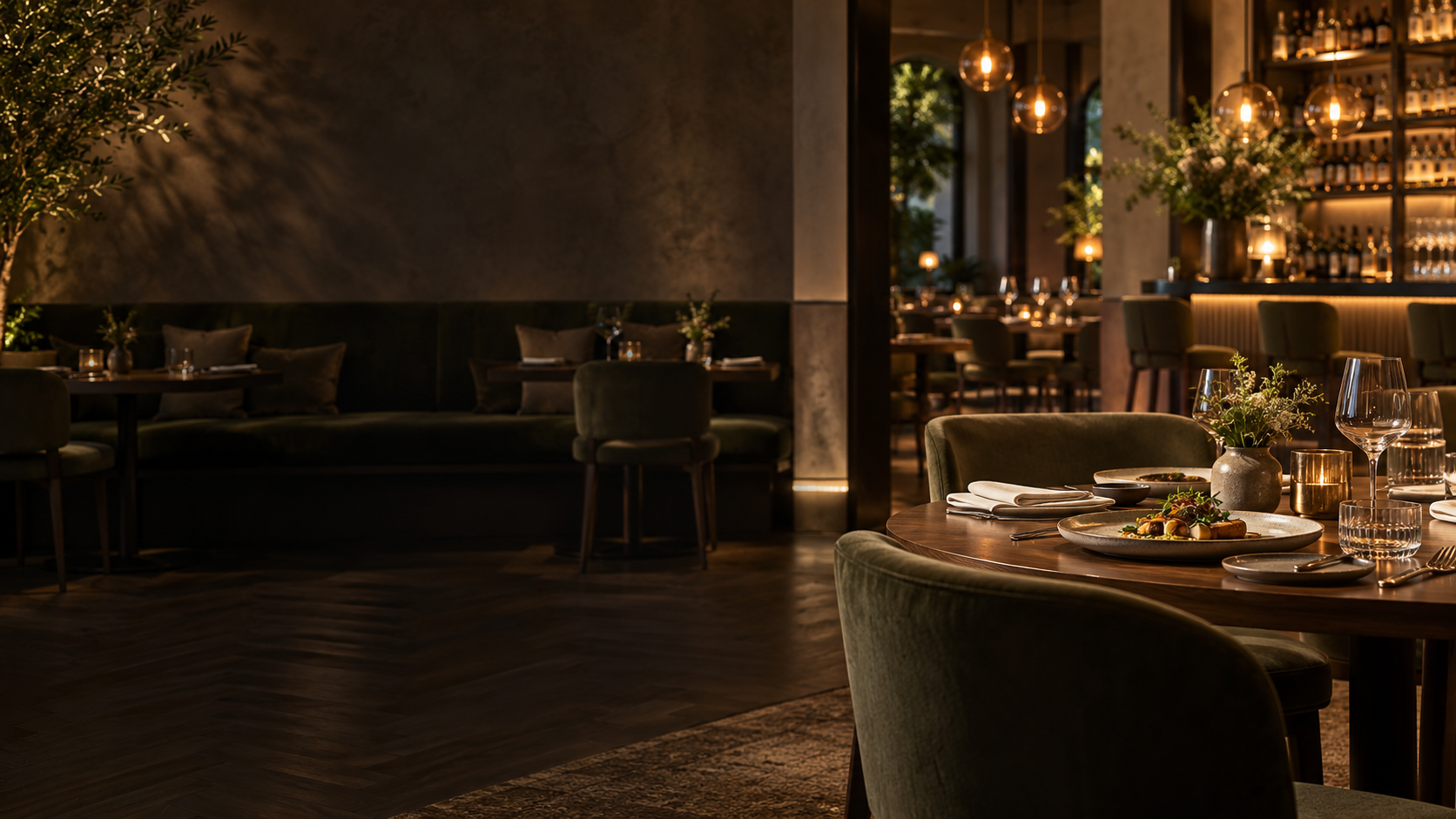
A new home for your restaurant’s orders
GloriaFood is closing. Your restaurant keeps going. Move to AppBuild.diy with your own branded ordering app—and let us prepare it from your menu.
Free app preparation. Free + 5% ordering with no monthly subscription. Standard Stripe processing fees apply separately.
The closure is confirmed. The public dates differ.
Oracle states full end of service on 31 March 2027. GloriaFood states end of life on 30 April 2027. We recommend moving before the earlier date, rather than relying on the extra month.
Official notices checked 13 October 2026. Save available records and replace links that still point to GloriaFood before service ends.
Your next ordering experience
Your dishes, your brand and a direct relationship with your regulars. These genuine Mr Chans example screens show what your move to AppBuild can look like.
Put dishes, prices and categories under your restaurant’s own name.
Help customers choose with clear dish details before adding to their basket.
Bring the basket and checkout into your own branded ordering experience.
Order details and progress stay close at hand after checkout.
Why move to AppBuild.diy?
Start with the ordering your customers need today. Add the bookings, rewards and services that make your restaurant worth returning to—all under your own name.
Offer ASAP or scheduled pickup, with optional per-slot limits for scheduled collection. Enable curbside if you offer it.
Set delivery zones, fees and minimum order values. Use your existing dispatch arrangements or add optional own-driver management.
Table QR links open the menu with the table selected. Guests place and pay for each order—not open tabs or split bills.
Configure required or optional sizes, sides and extras. Add explicit allergens and dietary tags; you remain responsible for menu accuracy.
Connect Stripe for card payments, plus Apple Pay and Google Pay on supported devices and eligible setups. Payouts go to your connected account.
Customers can find progress, previous orders and Reorder in My Orders. Keep the journey connected to your restaurant.
Enable qualifying app orders to earn configured stamps or points, with redemption rules. Staff can also scan in-store loyalty cards.
Add Table Booking for guests visiting your restaurant. Manage reservations separately from collection-slot capacity.
Send relevant offers and order updates to customers who opt in. An old customer export does not transfer notification permission.
From first order to favourite place
The Copper Stag and The Golden Catch show how your app can support more of the restaurant visit. Choose the features that fit your business; you don’t have to enable everything.
A branded food menu for a dining room, restaurant bar or neighbourhood venue.
Add Table Booking for date, time, party size and seating preferences.
Configured stamps or points give customers a reason to return.
Bring member offers into the same restaurant app.
Optional own-driver management
Keep your existing delivery arrangements—or bring your own team into Delivery Manager. It’s an option, not a requirement for delivery ordering.
No supplied drivers, third-party courier booking or continuous GPS tracking. Native driver alerts require the wrapped Data Manager app and notification permission.
Delivery address & order details
Only the jobs they need
Your team chooses a driver. Assignment changes stay in job history.
A departure-based estimate goes to the customer. The driver opens navigation.
The driver marks delivery complete—or records an unsuccessful delivery.
Your driver has left with your order.
Your GloriaFood migration checklist
Make room to check your menu, payments and services before switching your customer-facing links. We prepare the app; you confirm the details that matter to your restaurant.
Before GloriaFood closes, preserve any available menu, customer and historical-order exports for your records. Do not assume every record can be transferred automatically.
Share a menu link or upload a PDF or image, with your restaurant name and contact details. A social profile can help us prepare your branding.
Check dishes, options, prices, allergens and branding. Choose the collection, delivery, dine-in, booking and loyalty features you actually offer.
Complete payment setup and check your ordering journey. Replace GloriaFood website buttons and QR links, then invite customers to your new app. They may need to register and opt in again.
Automatic transfer of GloriaFood customer accounts and order history is not promised. Keep exports for your records and plan how you will invite customers to your new app.
Simple ordering costs
No monthly subscription.
Your branded ordering app. Your menu, your customers, your rewards.
Standard Stripe payment processing fees apply separately. Payouts go to your connected Stripe account.
Cards are authorised at checkout, captured when you accept and cancelled if you reject. Native publication is a separate step using your developer accounts and subject to store review. See publishing requirements and terms.
You run the restaurant. We build the app.
Moving from GloriaFood? Give us a menu link or upload a PDF or image. Add a social profile if you’d like us to use it as a branding reference.
Your restaurant name, contact details and a menu link or file.
Your dishes, options and branding, ready for you to review.
Check prices and allergens, complete payment setup and confirm the services you offer.
App preparation is free. The 5% AppBuild order fee, Stripe processing fees and any native publication costs are separate. No migration call booking is required.
Share the menu you want to bring to your new restaurant app.
Agencies & restaurant partners
Explore the separate reseller pathway for managing branded restaurant apps across your client roster. Discuss the rollout and plans that suit your business.
Before you switch
Your menu. Your brand. Your next chapter.
Plan your move before 31 March 2027, the earlier published date. Send us your menu and start with an app built around your restaurant.