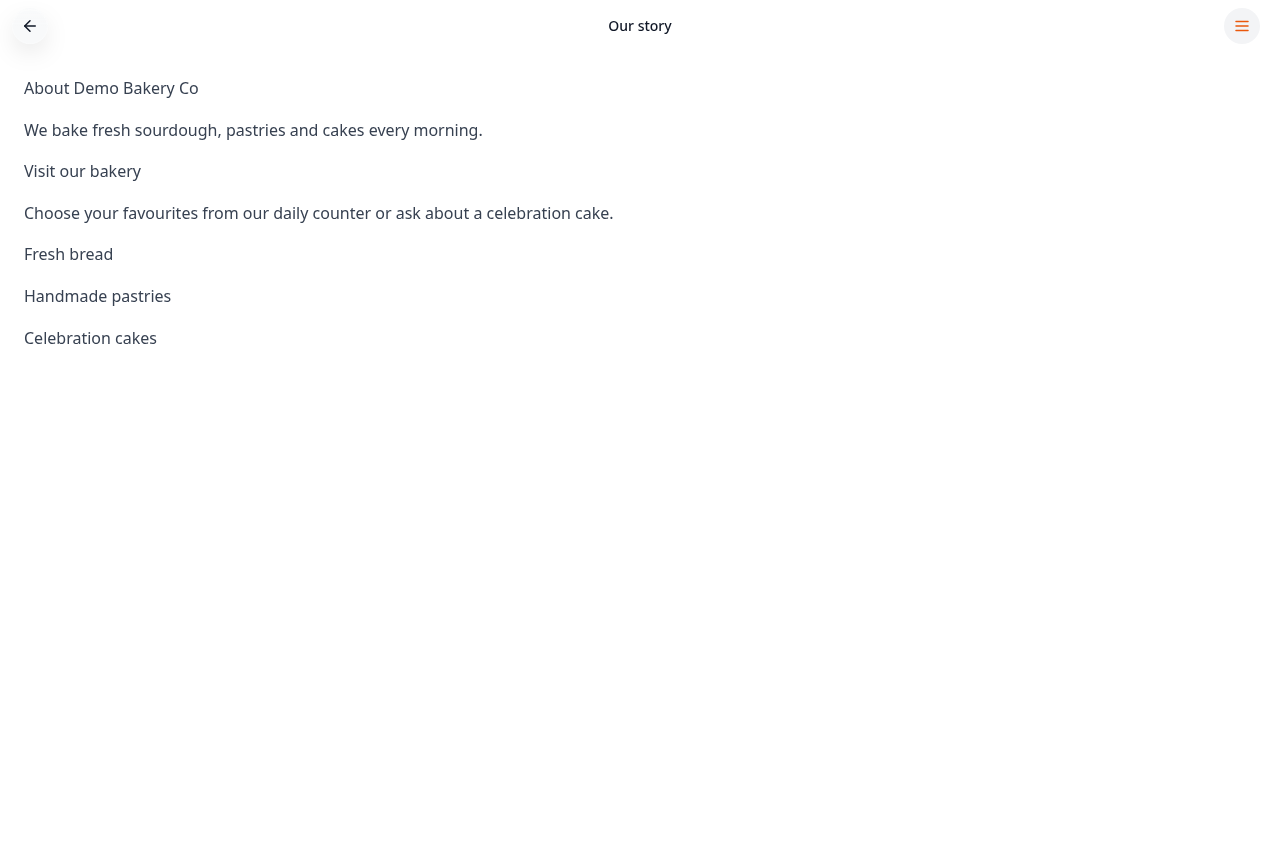
Step-by-step guide
Follow these steps, then download the PDF to keep.
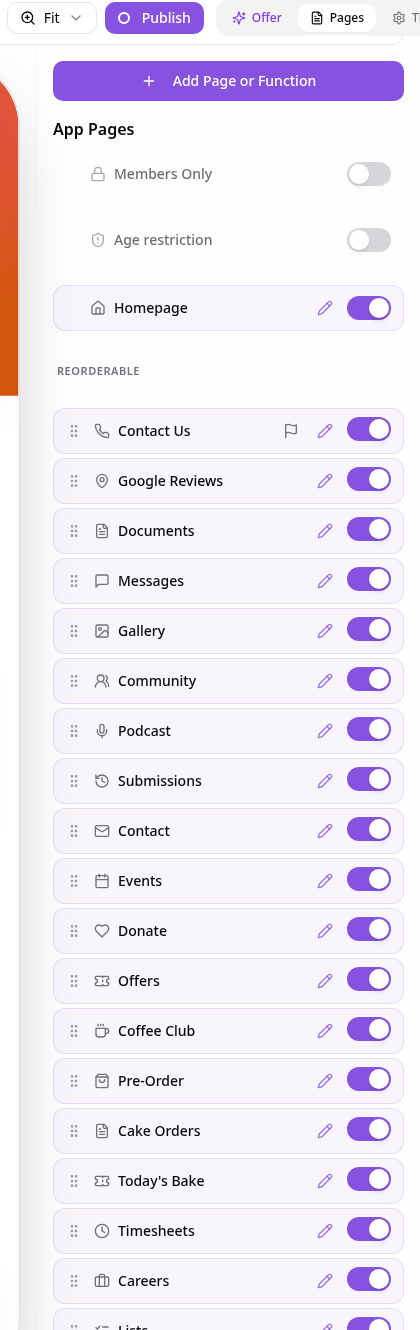
- 1
Open Pages
In your app editor, open Pages and choose Add Page or Function.
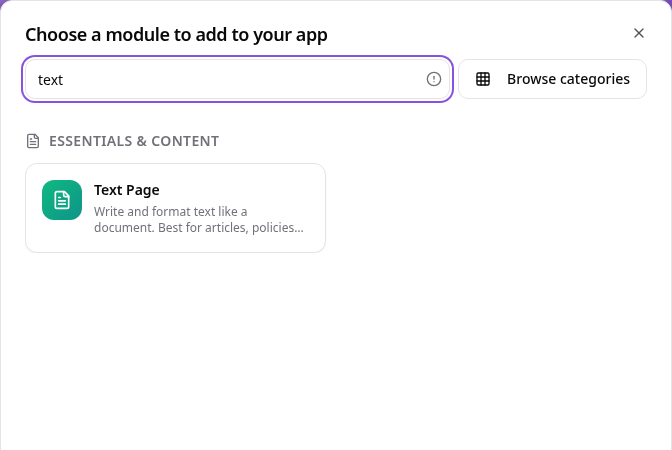
- 2
Choose Text Page
Search Text Page and select it, not Page Builder.
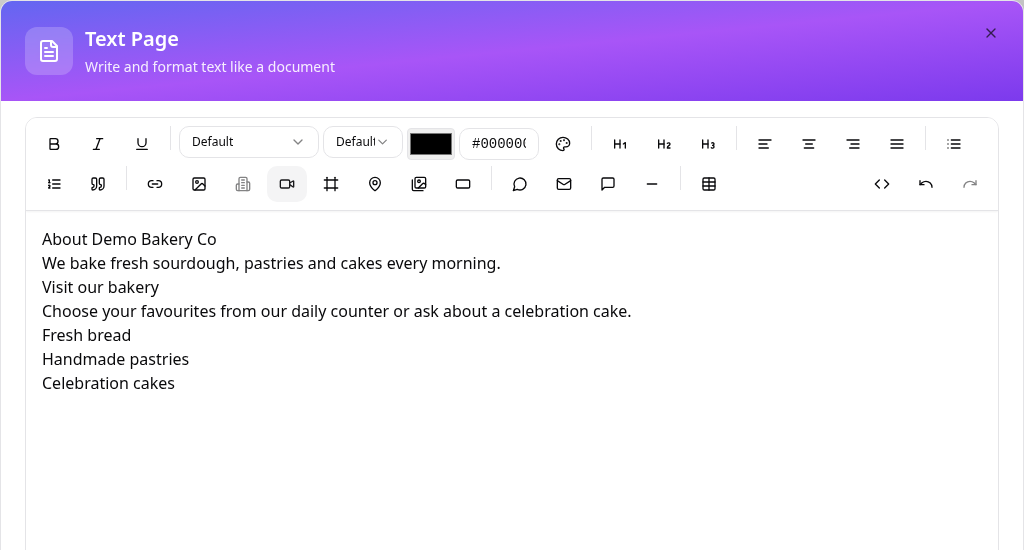
- 3
Write your page
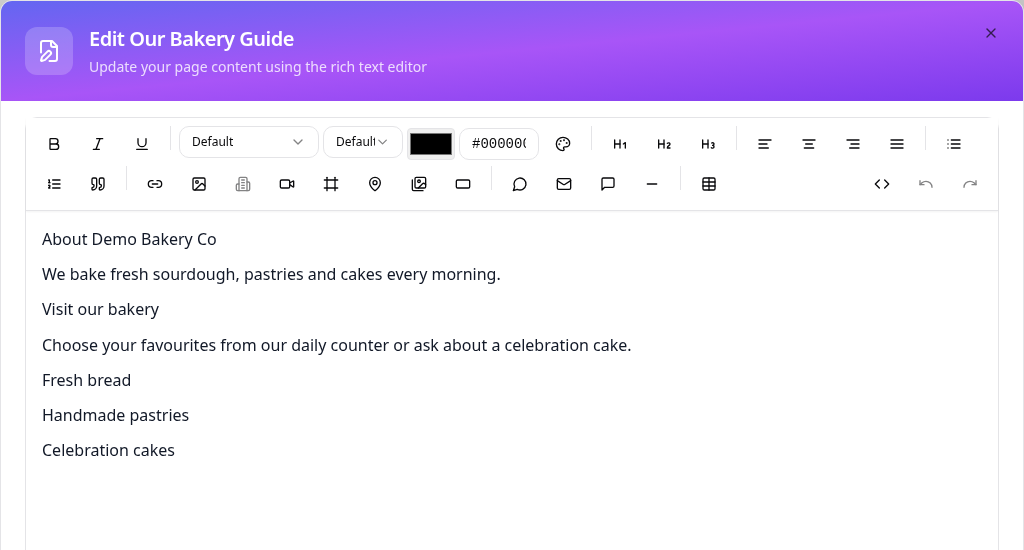
Enter headings and paragraphs; use the toolbar for emphasis, alignment, lists, links and images.
- 4
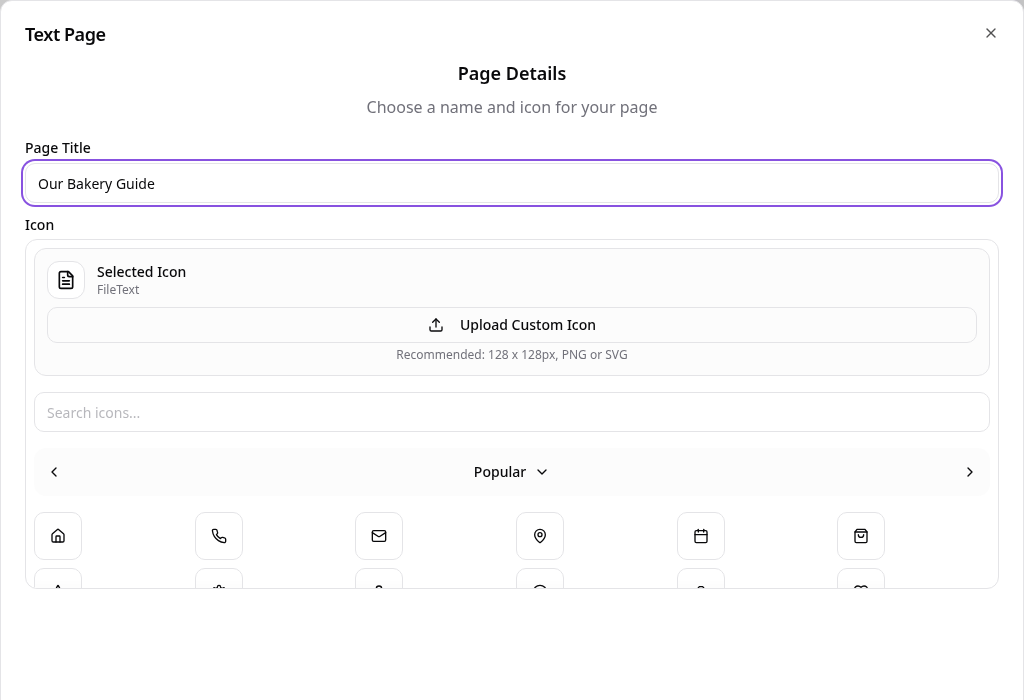
Name the page
Give the page a title, choose its icon and select Create Page.
- 5
Edit the page later
In Pages, open your page and choose Edit Page Content, then save your changes.
- 6
Check the customer view
Open the page from the app menu and check your text.
Check the page in your app preview, then publish the app when you are ready for customers to see it.