User guides
Short, visual how-tos to help you get the most from your app. Follow the steps, watch a video, or take the PDF with you.
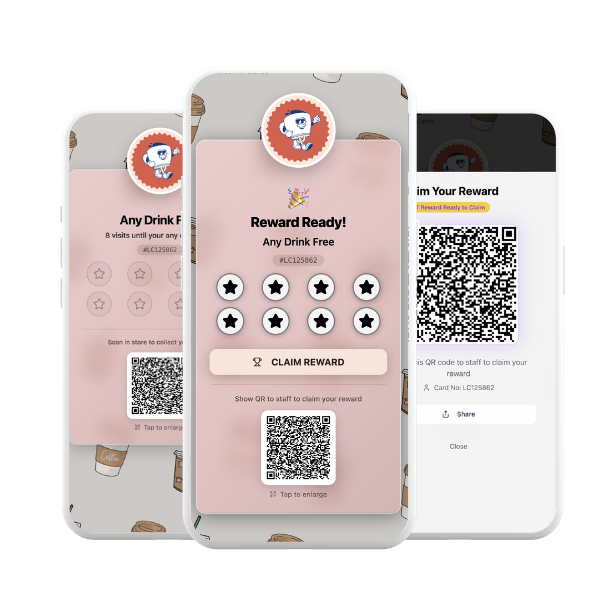
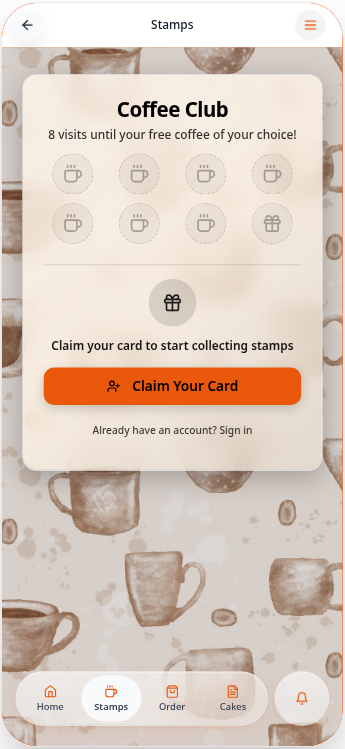
Create a loyalty stamp card
Reward regular customers with a digital stamp card in about two minutes.
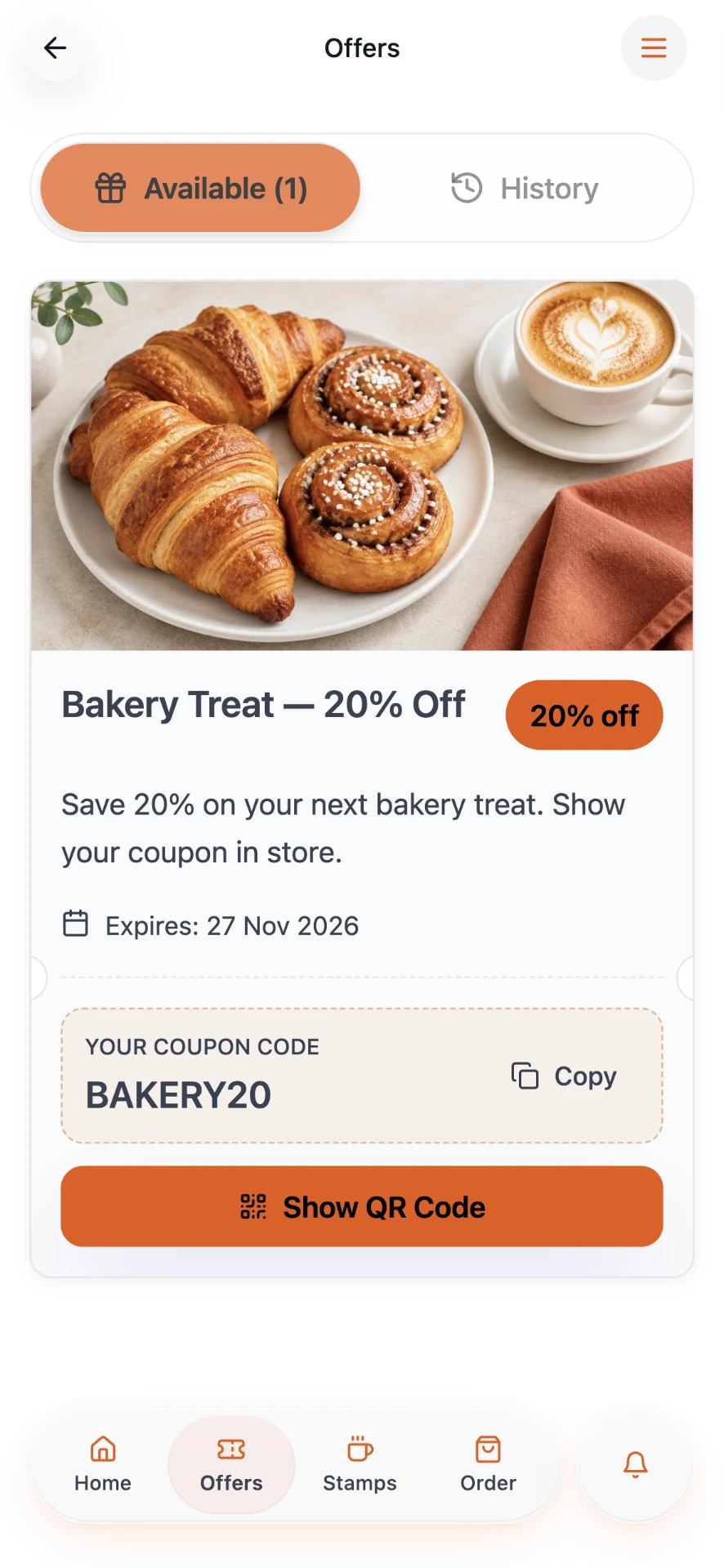
Create a coupon offer
Give customers a member-only offer with a code and a QR coupon.
Accept donations
Collect donations for a cause with suggested amounts and Stripe payments.
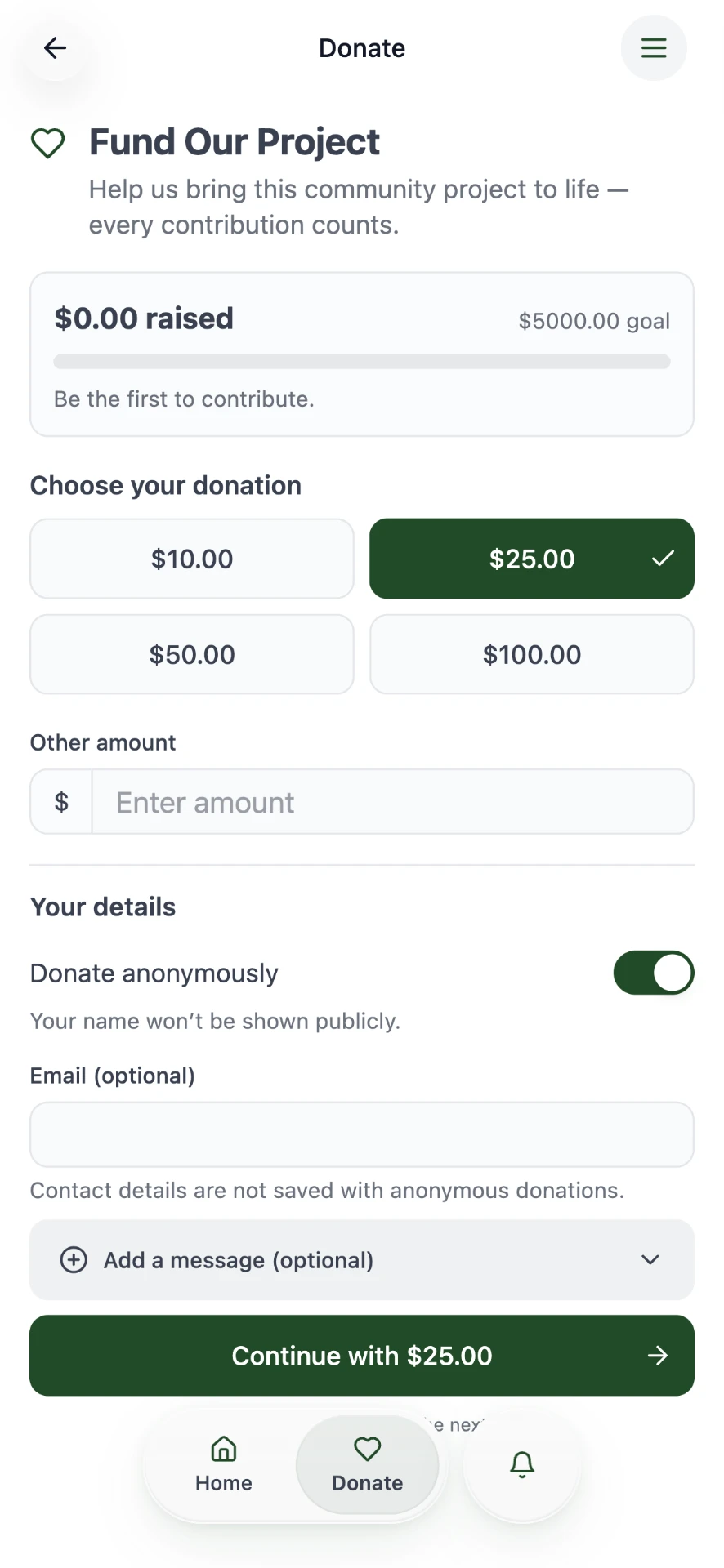
Create events and tickets
Add an event, set tickets and capacity, and collect attendee registrations in your app.
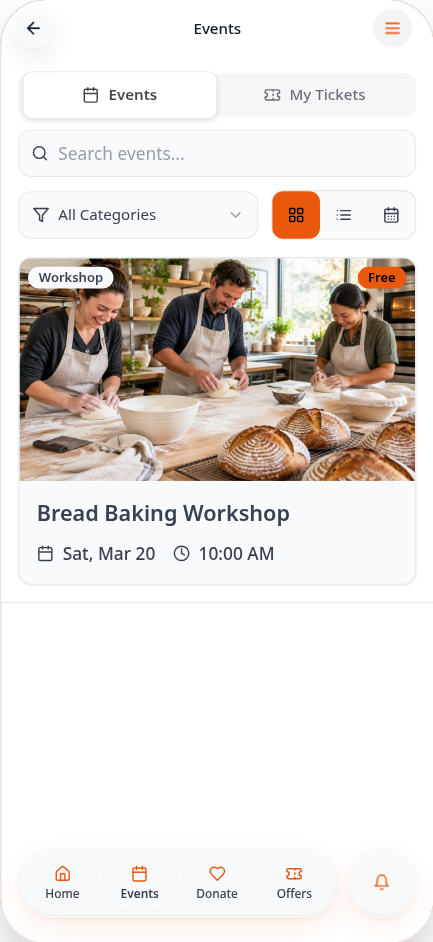
Create a form
Build a contact form, customise its questions and thank-you message, then add it to your app.
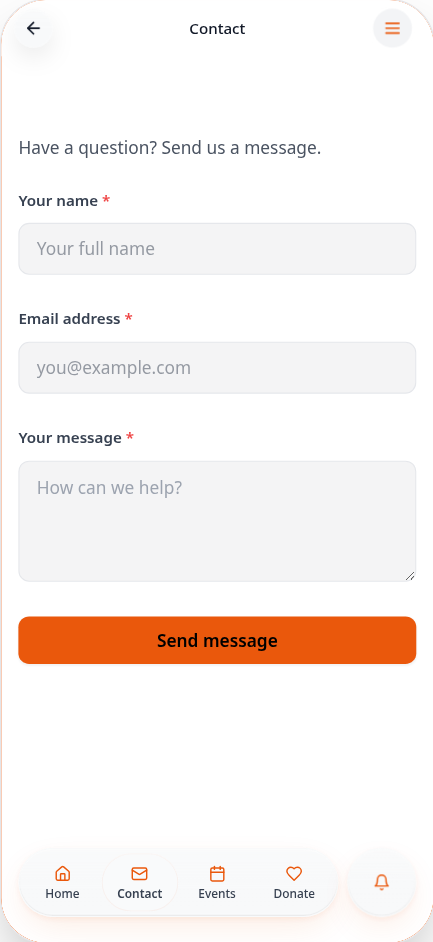
Add My Submissions
Let customers revisit the forms they have submitted while signed in.
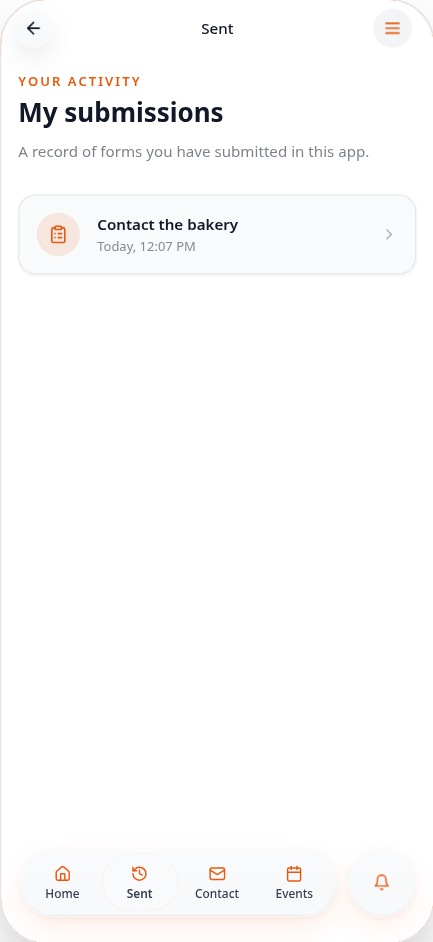
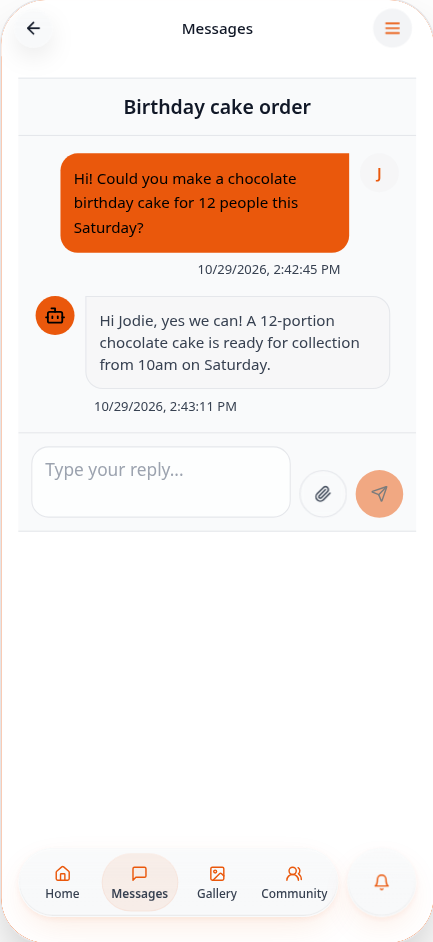
Chat with customers using Messages
Let customers message you from your app and reply to them from Data Manager.
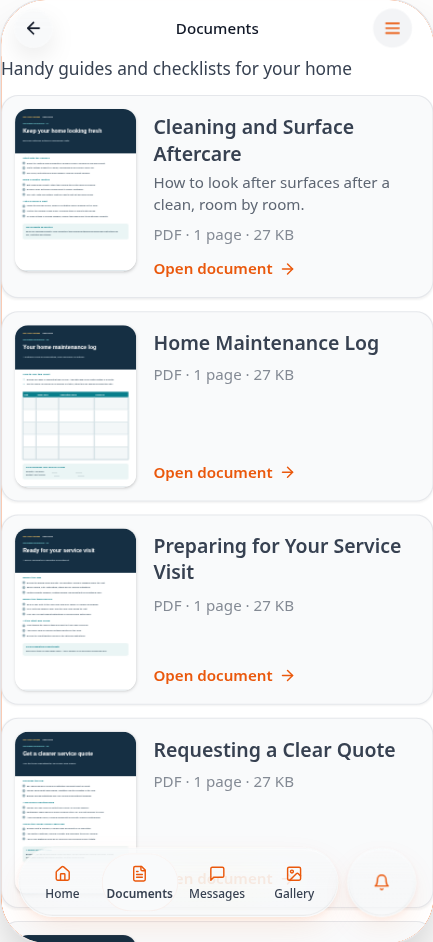
Share documents with the PDF Library
Upload PDFs such as guides, menus and checklists so customers can read, download and print them in your app.
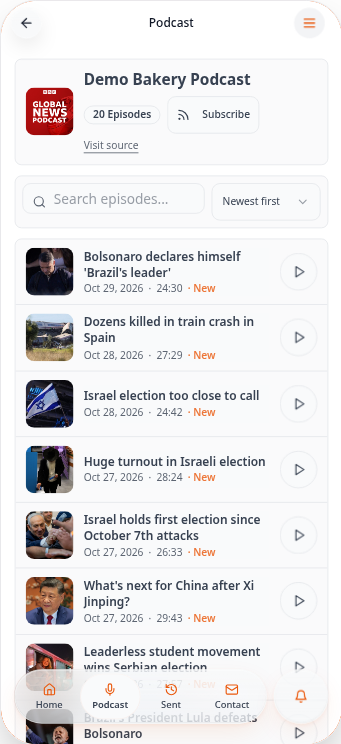
Add a podcast
Stream your podcast episodes inside your app with a simple player.
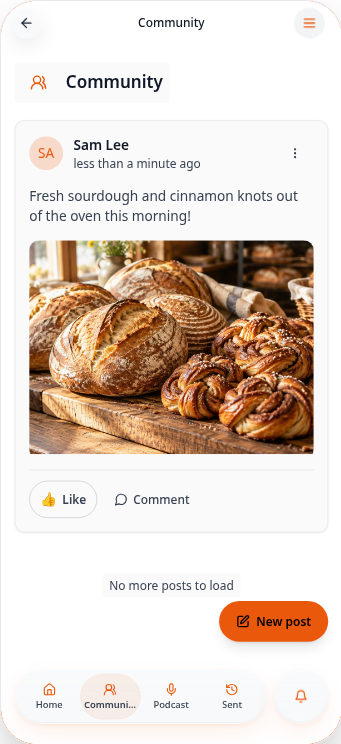
Add a social wall
Let your members share updates, photos and comments in a private community feed.
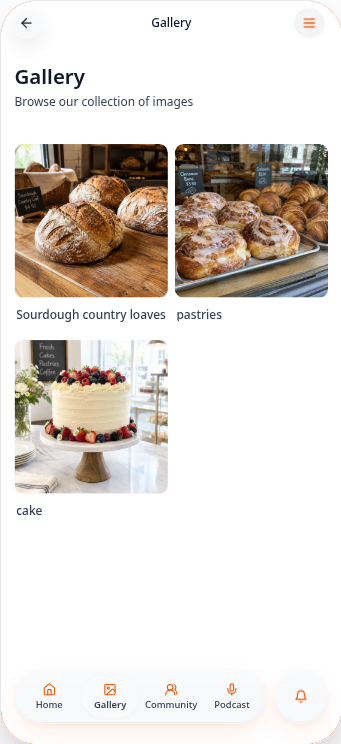
Add a photo gallery
Show off your products, venue or work in a swipeable photo gallery.
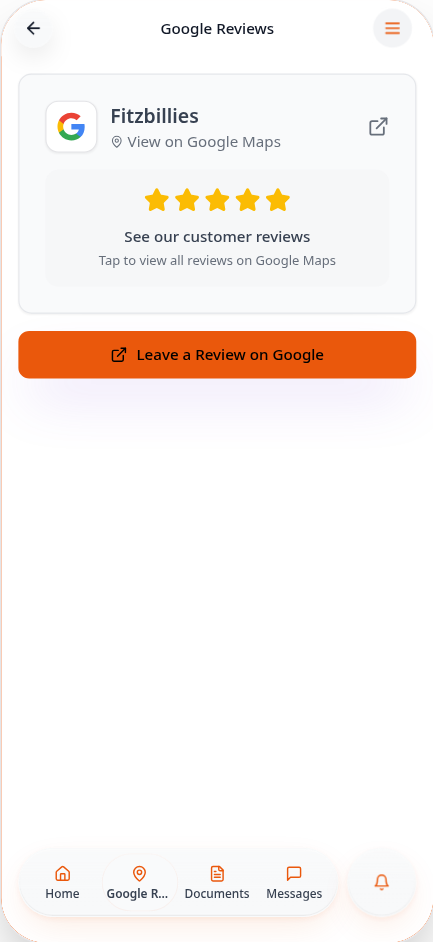
Show your Google reviews
Find your business on Google and show its star rating, with a button that lets customers leave a review.
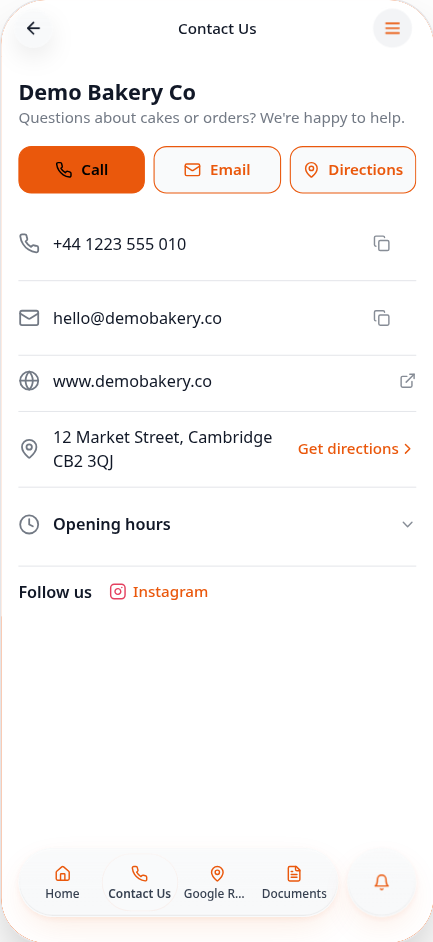
Add a Contact Us page
Show your phone, email, address, opening hours and social links, with one-tap buttons for customers.
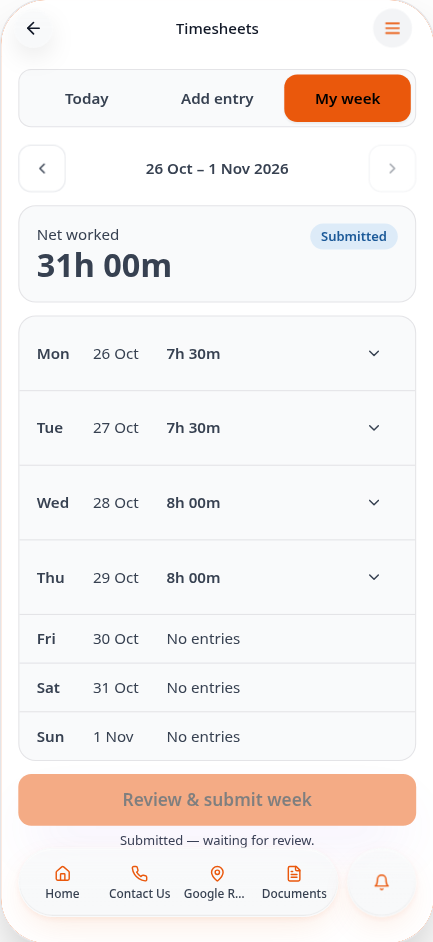
Track staff hours with Timesheets
Let your team record their hours in your app, submit each week, and approve their timesheets in Data Manager.
Hire through your app with Job Board
Post vacancies, collect applications with screening questions, and move candidates through your hiring stages in Data Manager.
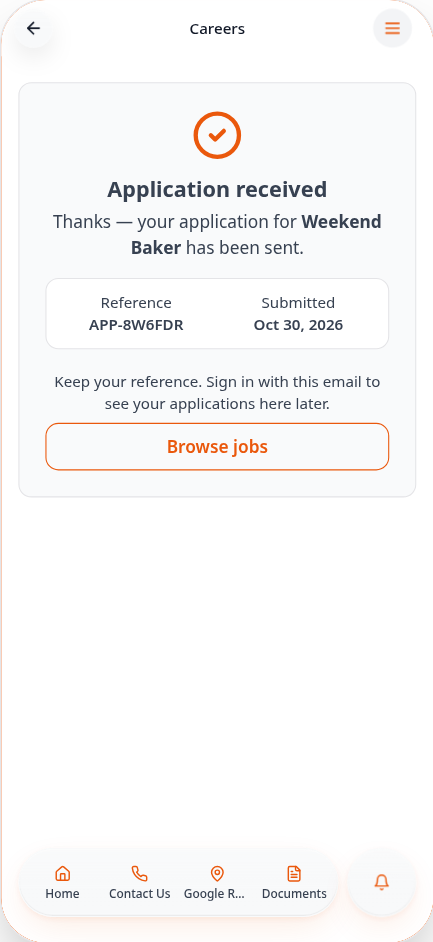
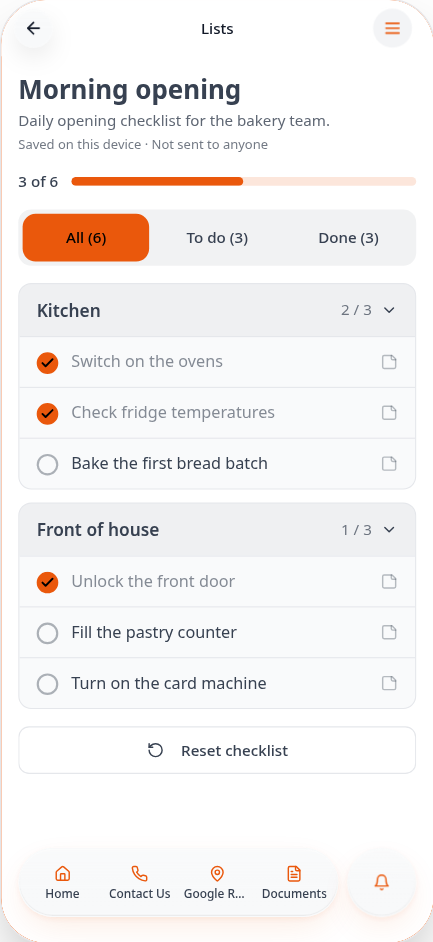
Make reusable checklists with Lists
Build checklists with sections and important items, then let people tick, filter and reset them in your app.
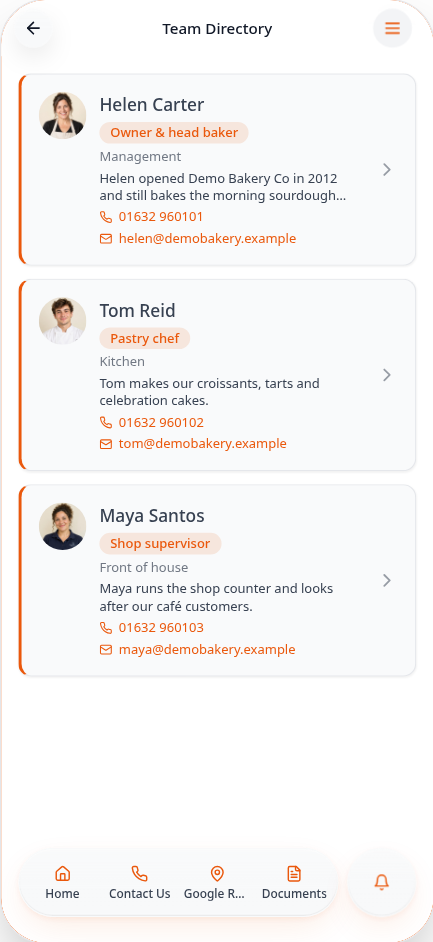
Show your people with Team Directory
Add team members with photos, roles and bios, and let customers tap through to each profile in your app.
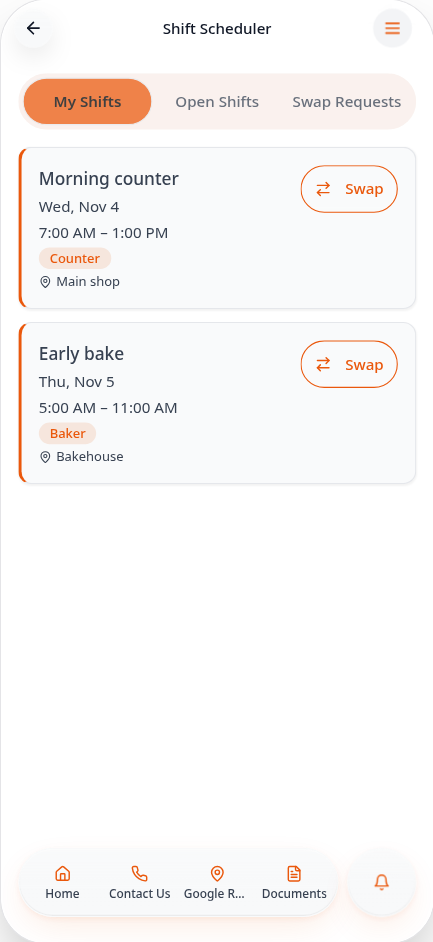
Plan staff rotas with Shift Scheduler
Set up roles, create shifts in Data Manager and let staff see their shifts, swap them or pick up open ones in your app.
Build a page with Page Builder
Make your own page from ready-made blocks: headings, photos, buttons, FAQs and more.
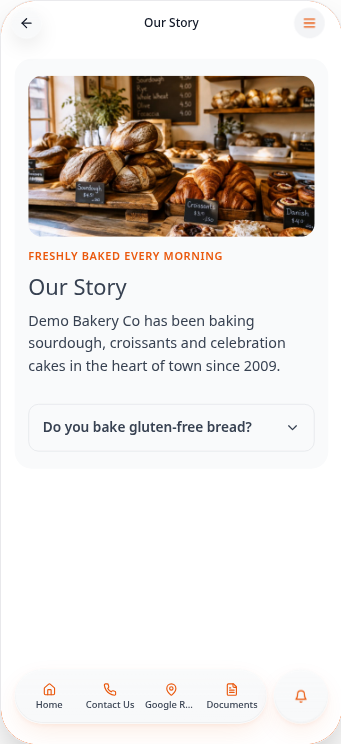
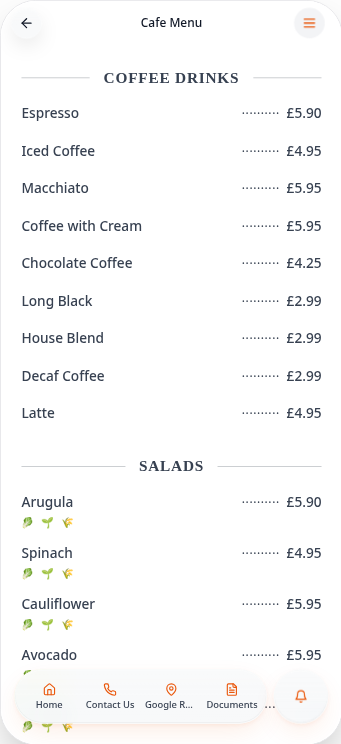
Add a digital menu
Show your menu as it is, or turn it into a tidy, readable menu automatically.
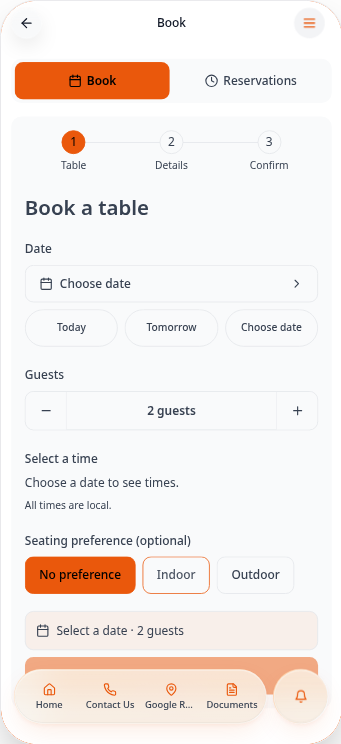
Set up table booking
Let customers reserve a table from your app in a few taps.
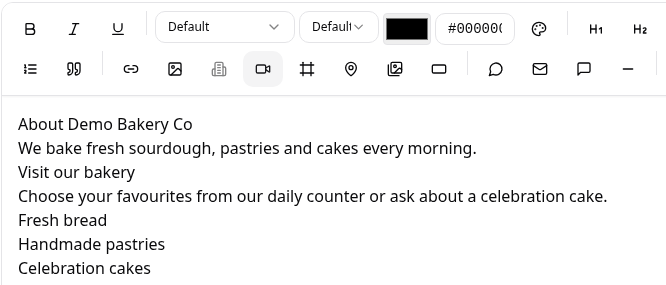
Create a Text Page
Write, save and edit a simple formatted page in your app.
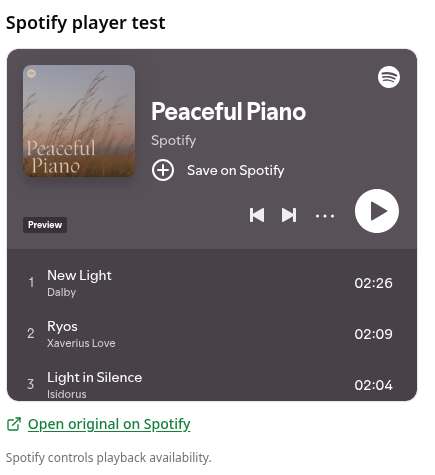
Add Spotify to your app
Add a Spotify playlist, customise its player and check it in your app.
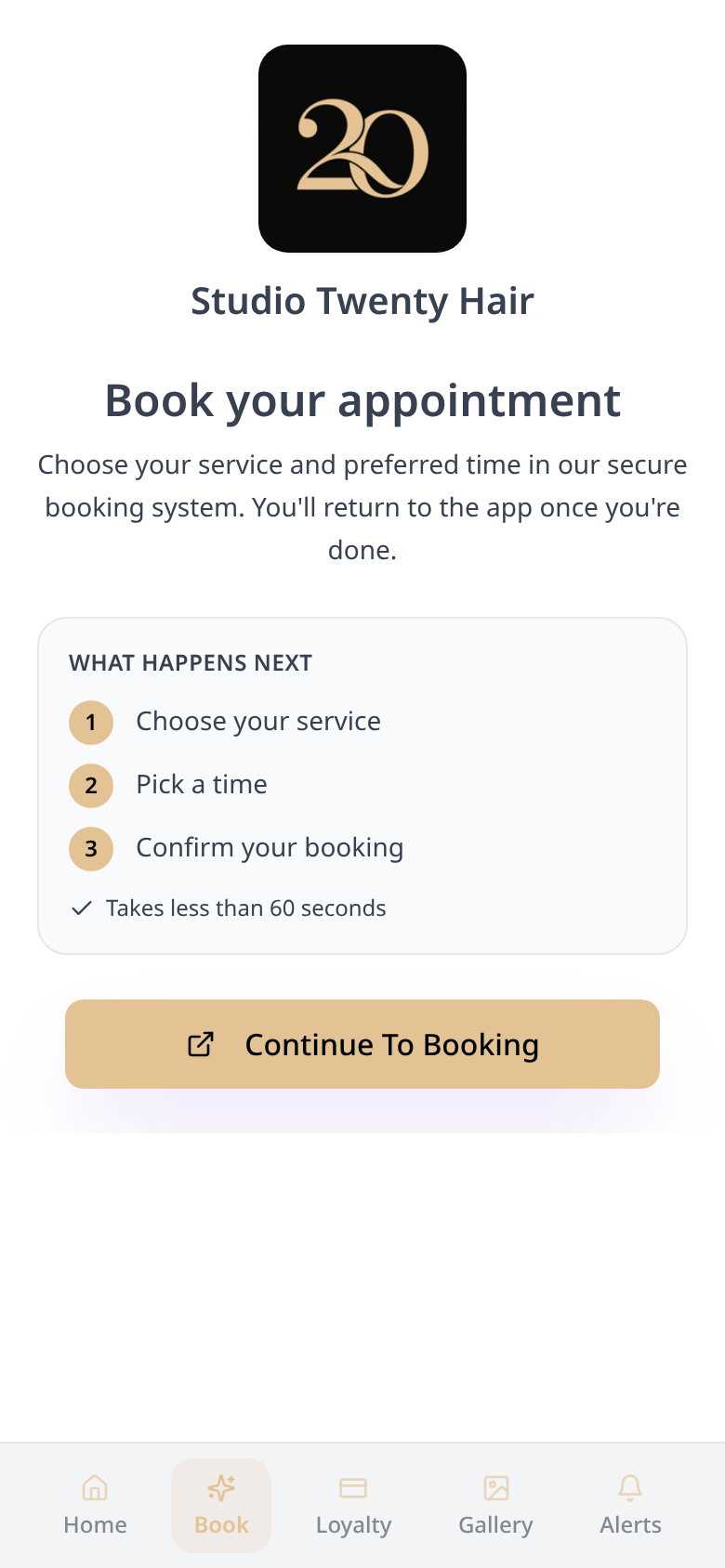
Take bookings with Fresha
Add a booking page that sends customers straight to your Fresha booking page.
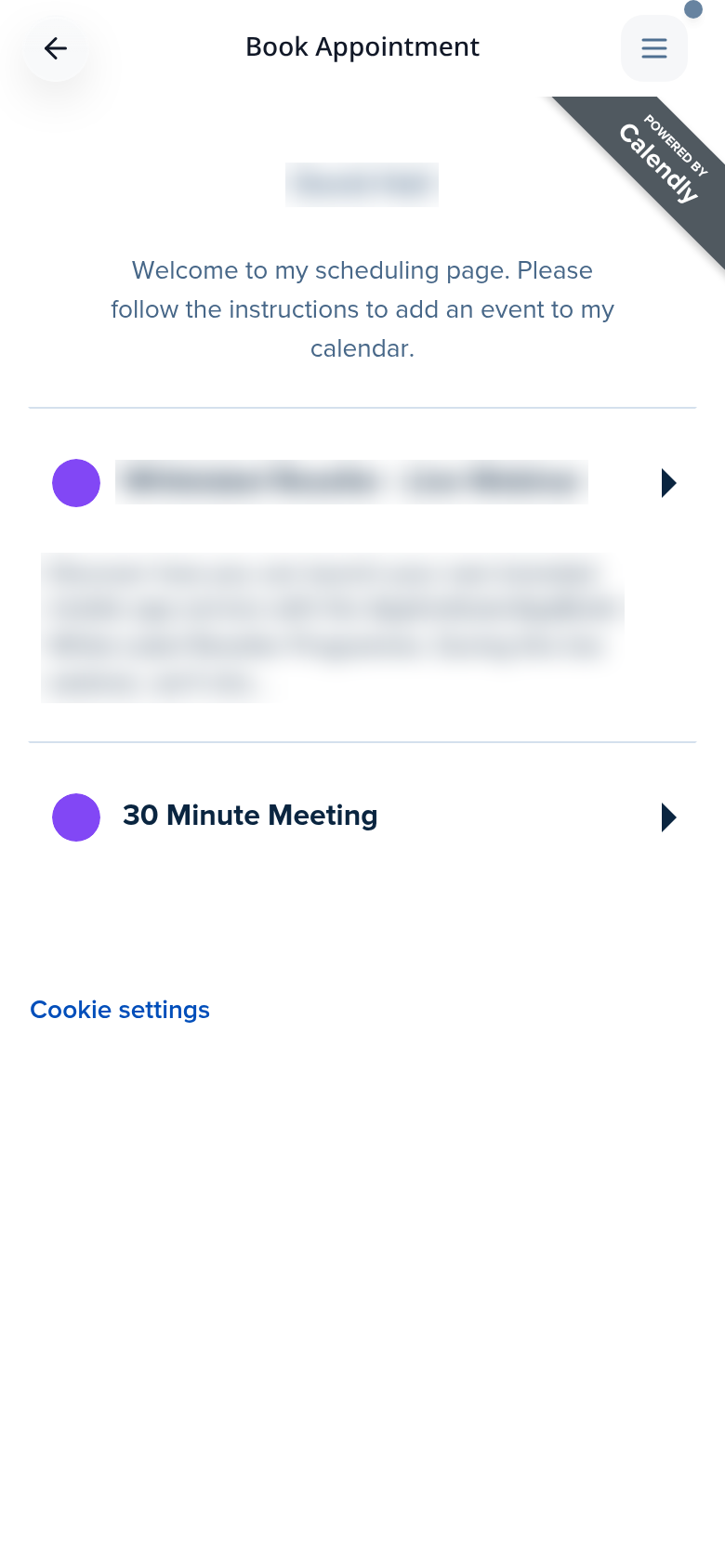
Take bookings with Calendly
Connect your Calendly account so customers can book your meetings and appointments inside your app.
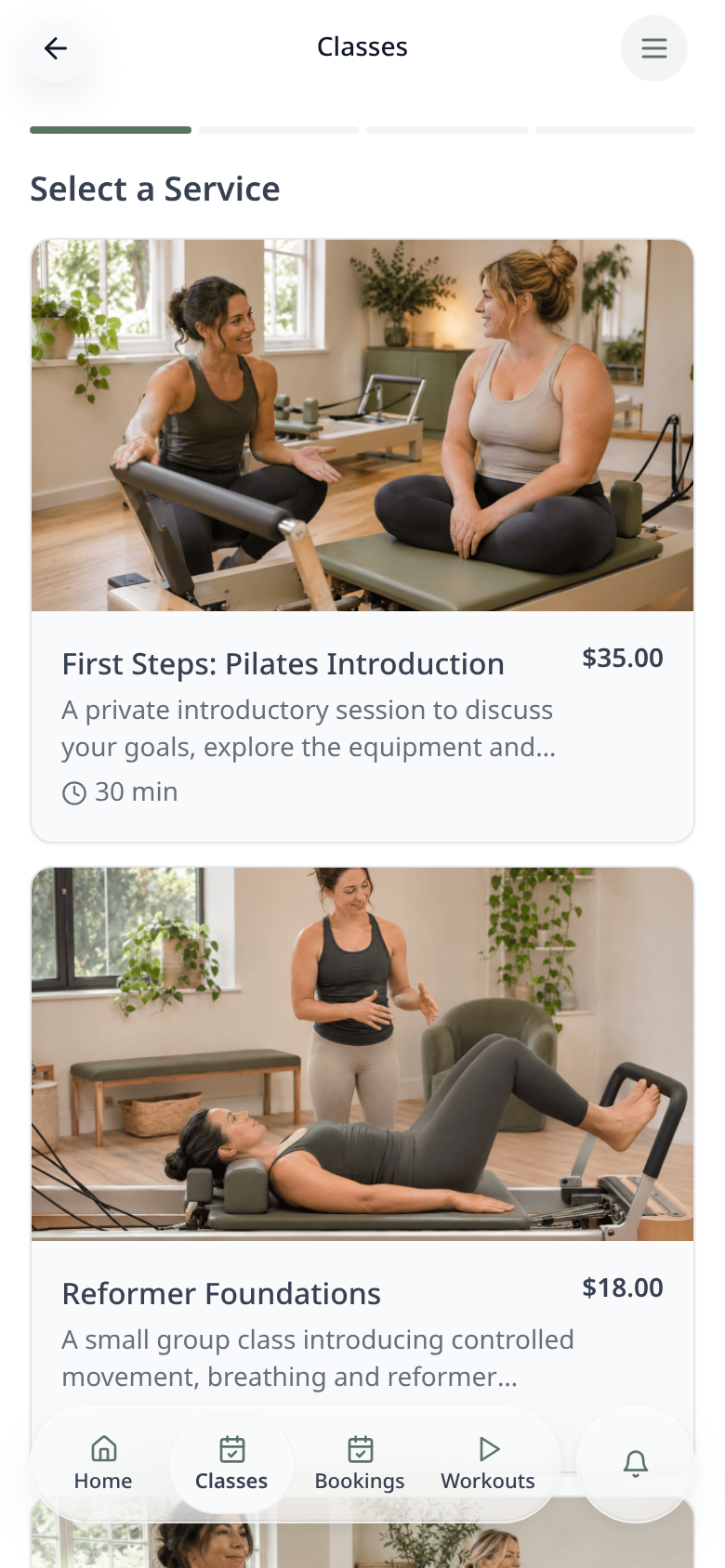
Take bookings with Acuity Scheduling
Connect Acuity Scheduling so customers can book your services, staff and times inside your app.
Show customers their Acuity bookings
Add a My Bookings page so customers can see, reschedule or cancel their Acuity appointments in your app.
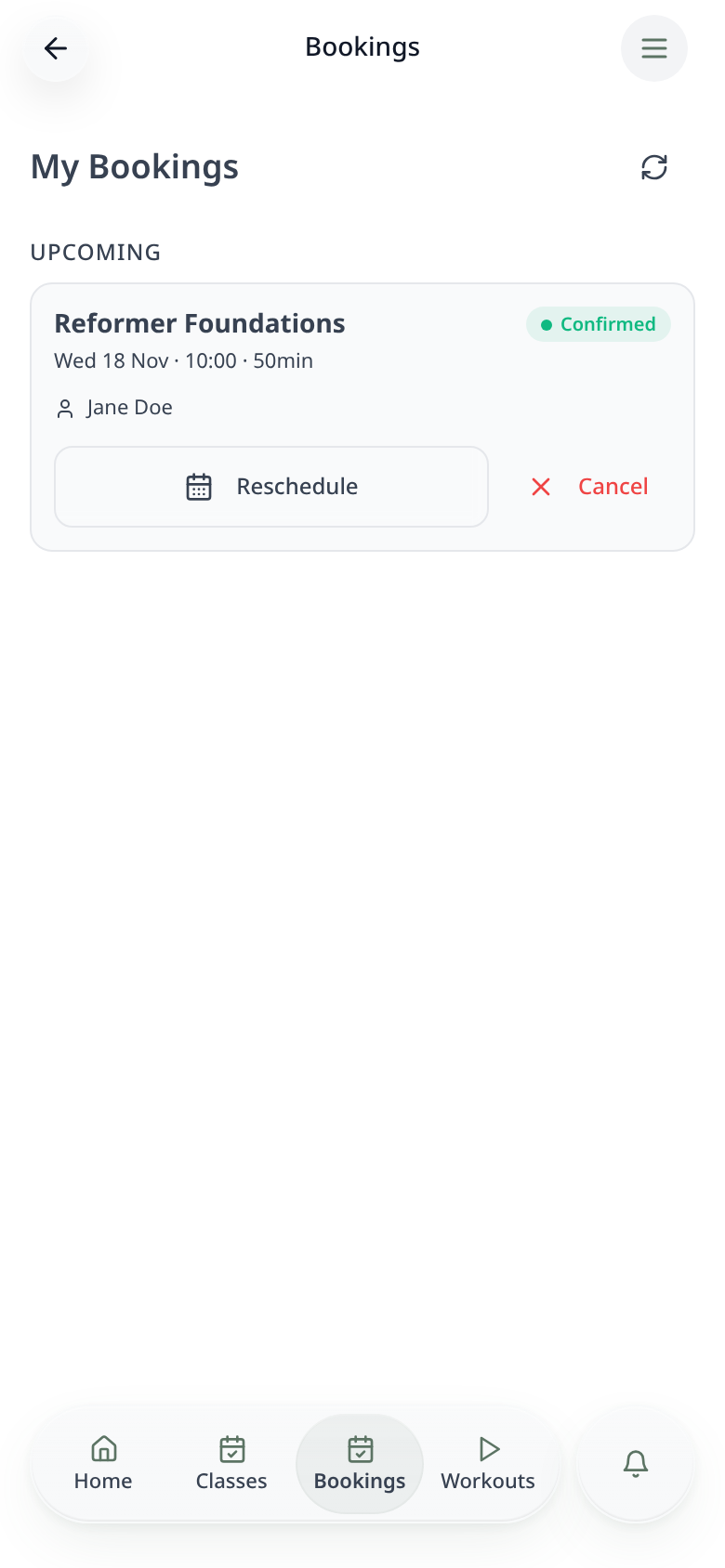
Take bookings with Square Appointments
Connect Square Appointments so customers can book your services, staff and times inside your app.
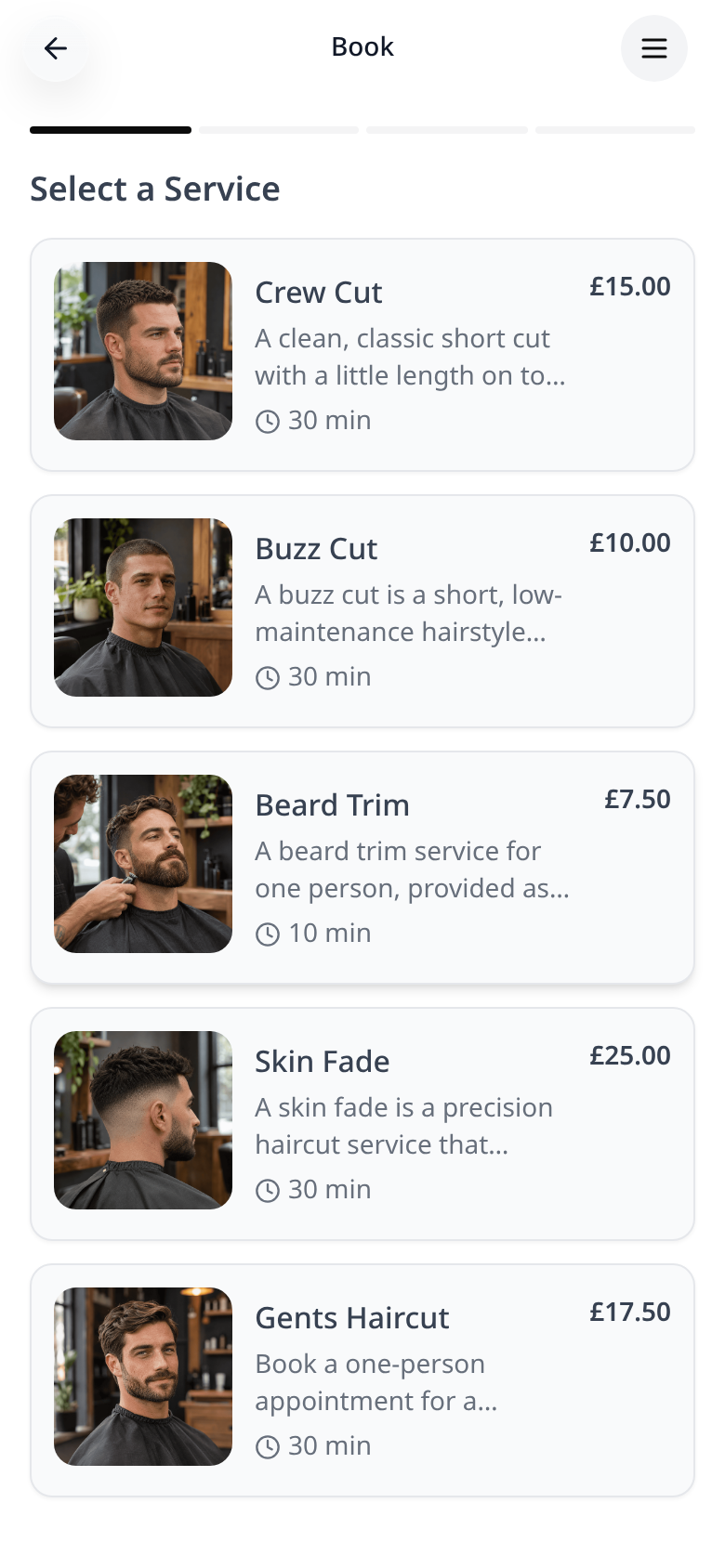
Show customers their Square bookings
Add a My Bookings page so customers can see, reschedule or cancel their Square appointments in your app.
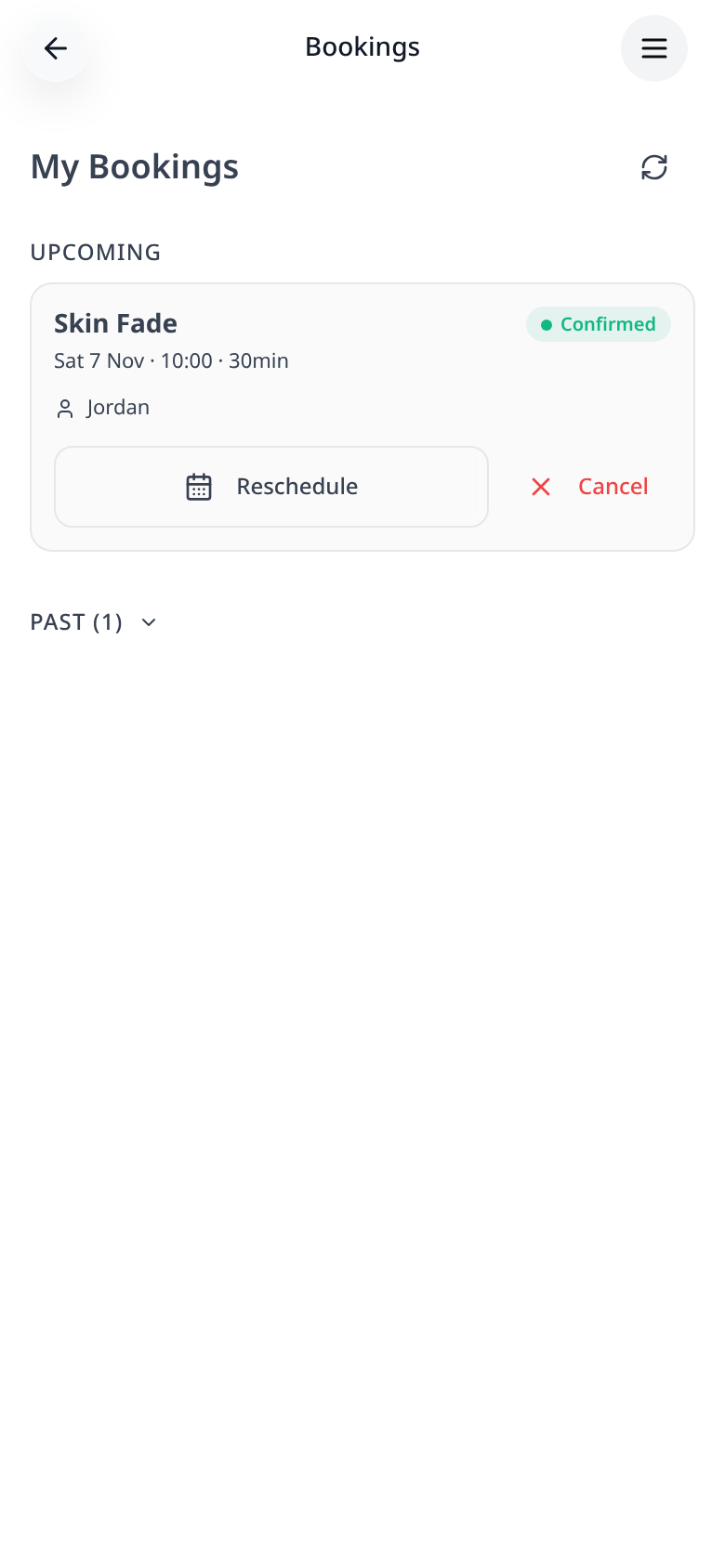
Sell gift vouchers
Let customers buy gift vouchers in your app, paid securely with Stripe and emailed with a unique code.
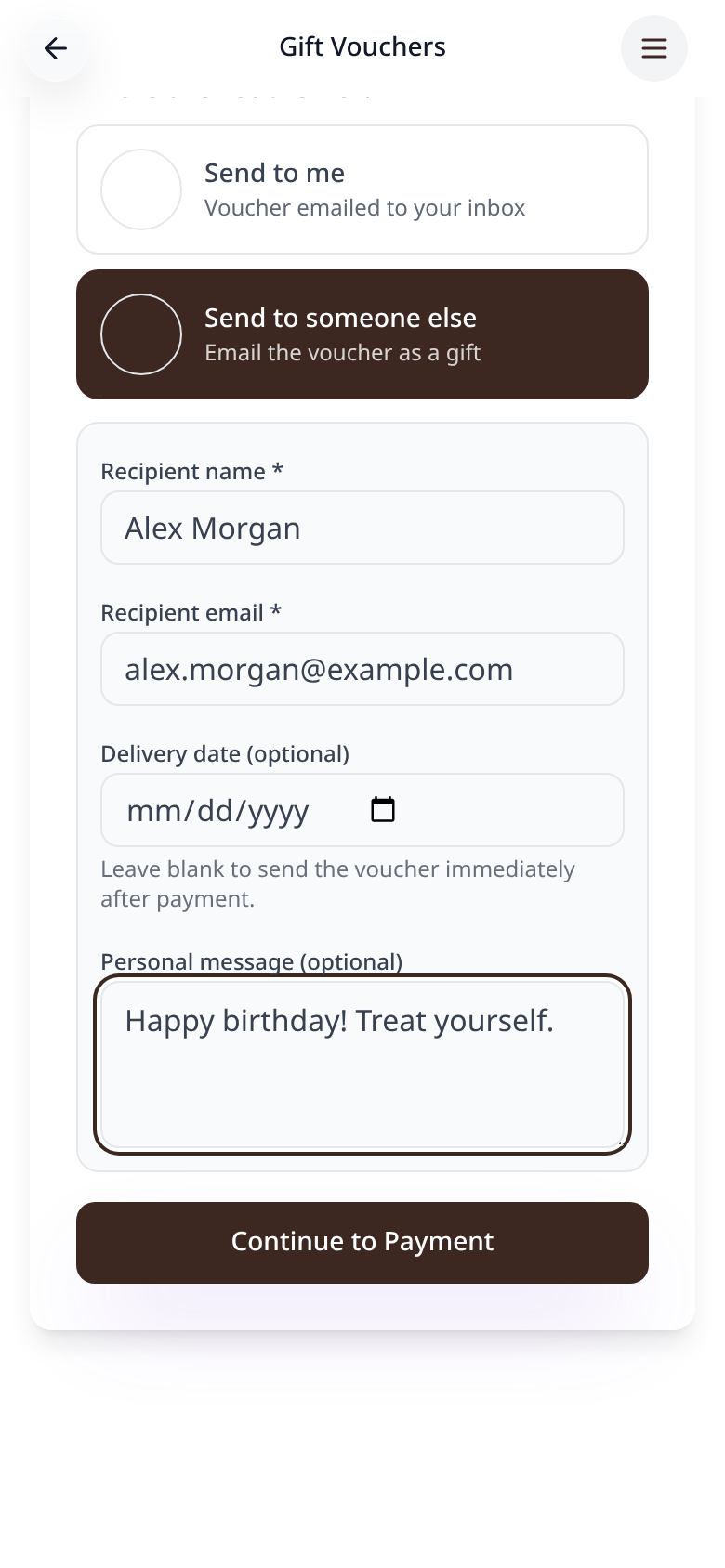
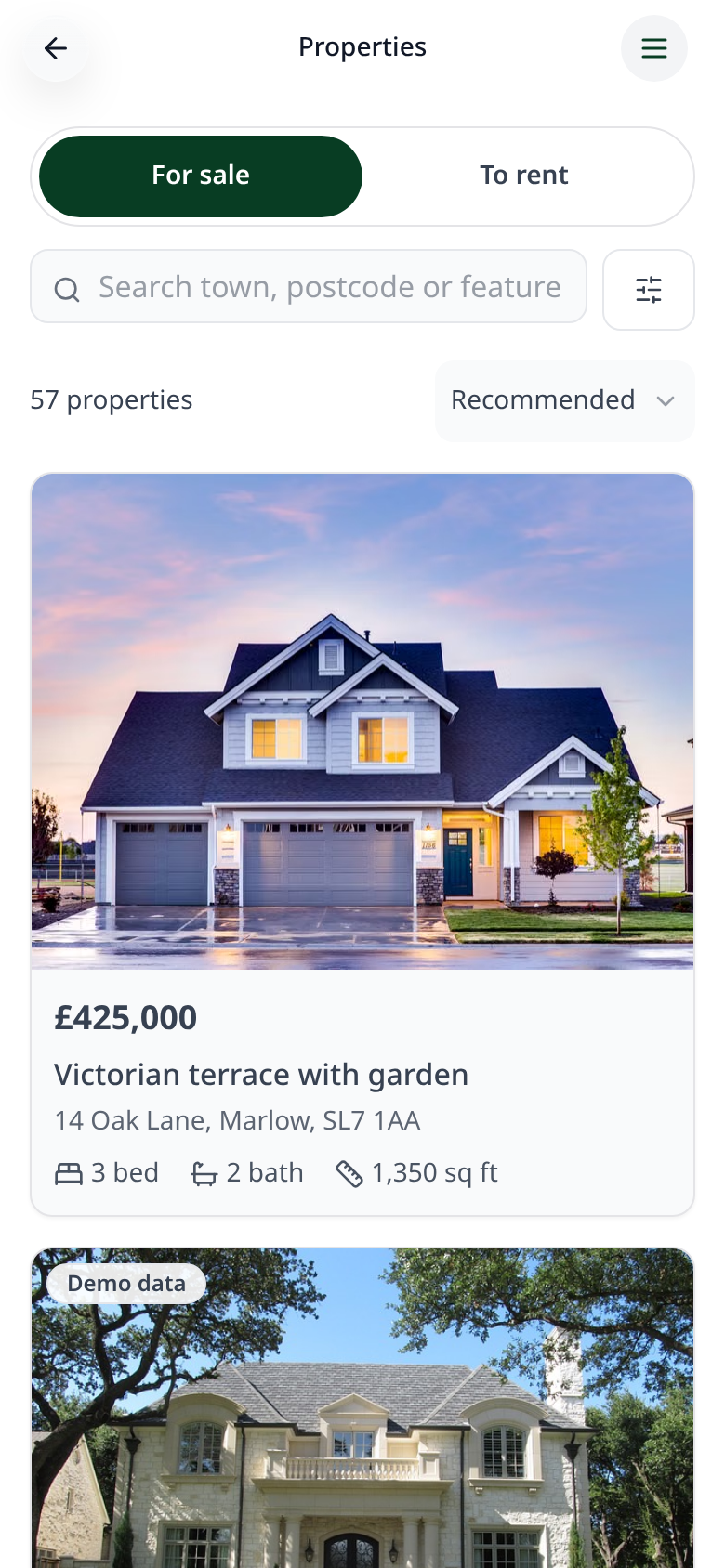
Show property listings
Add a property catalogue so customers can browse homes for sale or rent, filter them and send an enquiry.
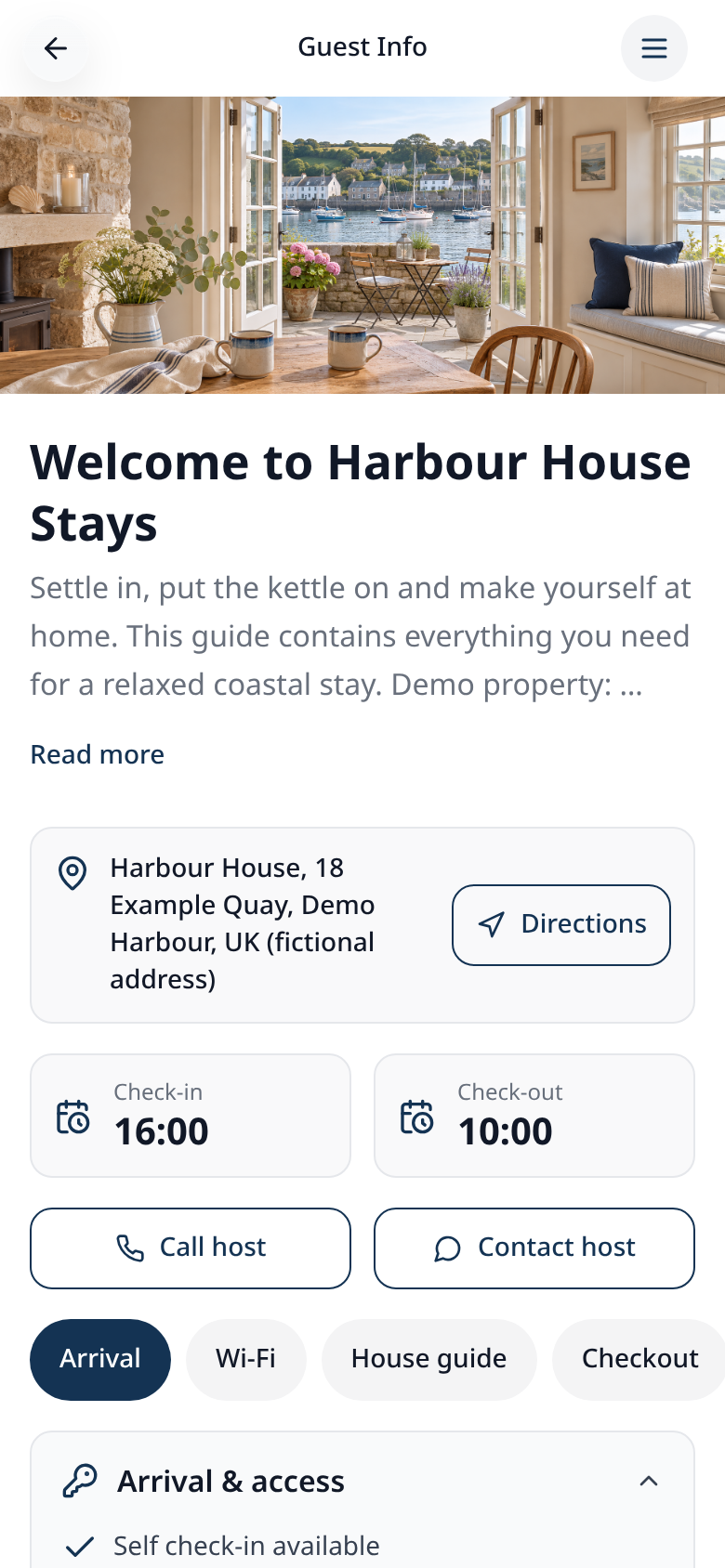
Share a guest stay guide
Give guests check-in details, Wi-Fi, house rules and a checkout checklist, with door codes unlocked by a private PIN.
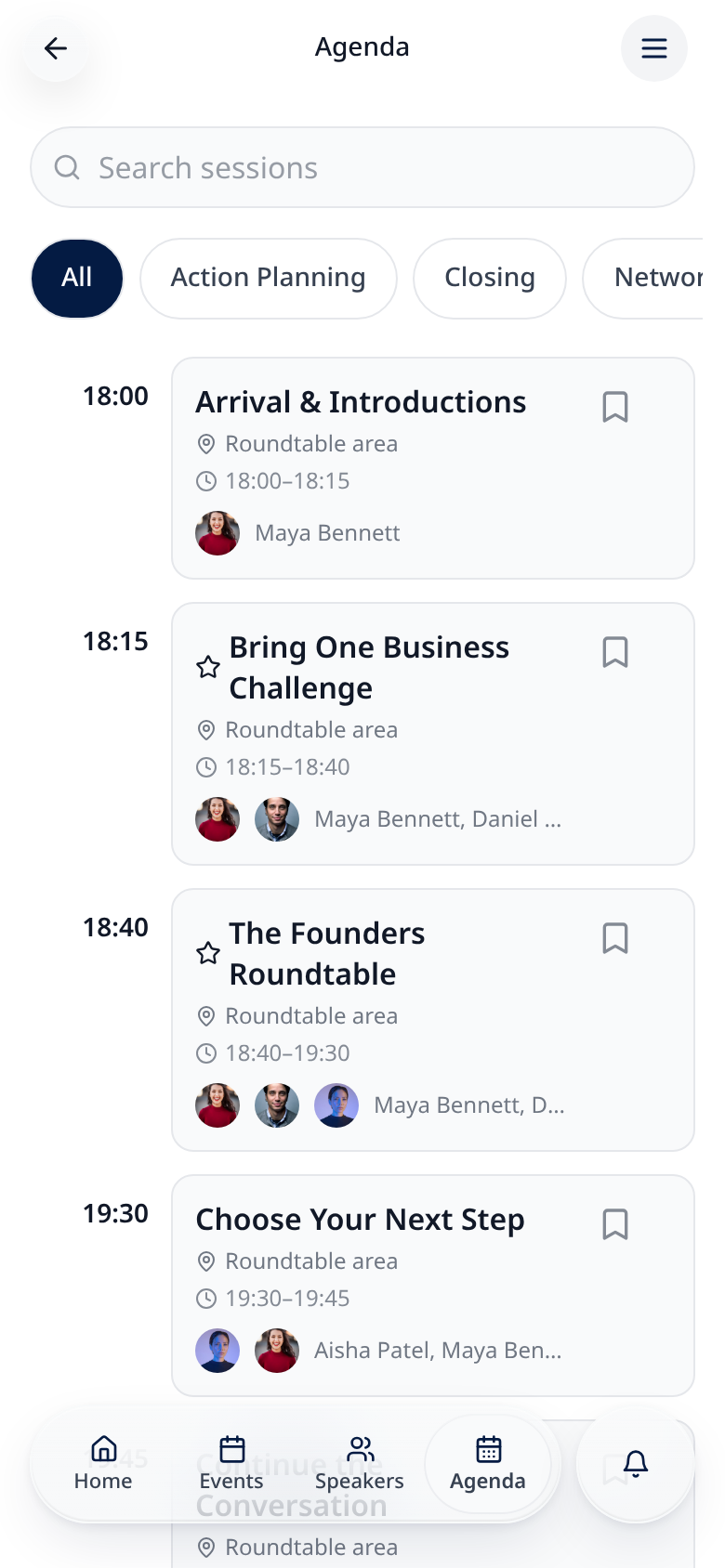
Build an event agenda
Add a timed schedule of sessions, link it to an event and import it from a spreadsheet.
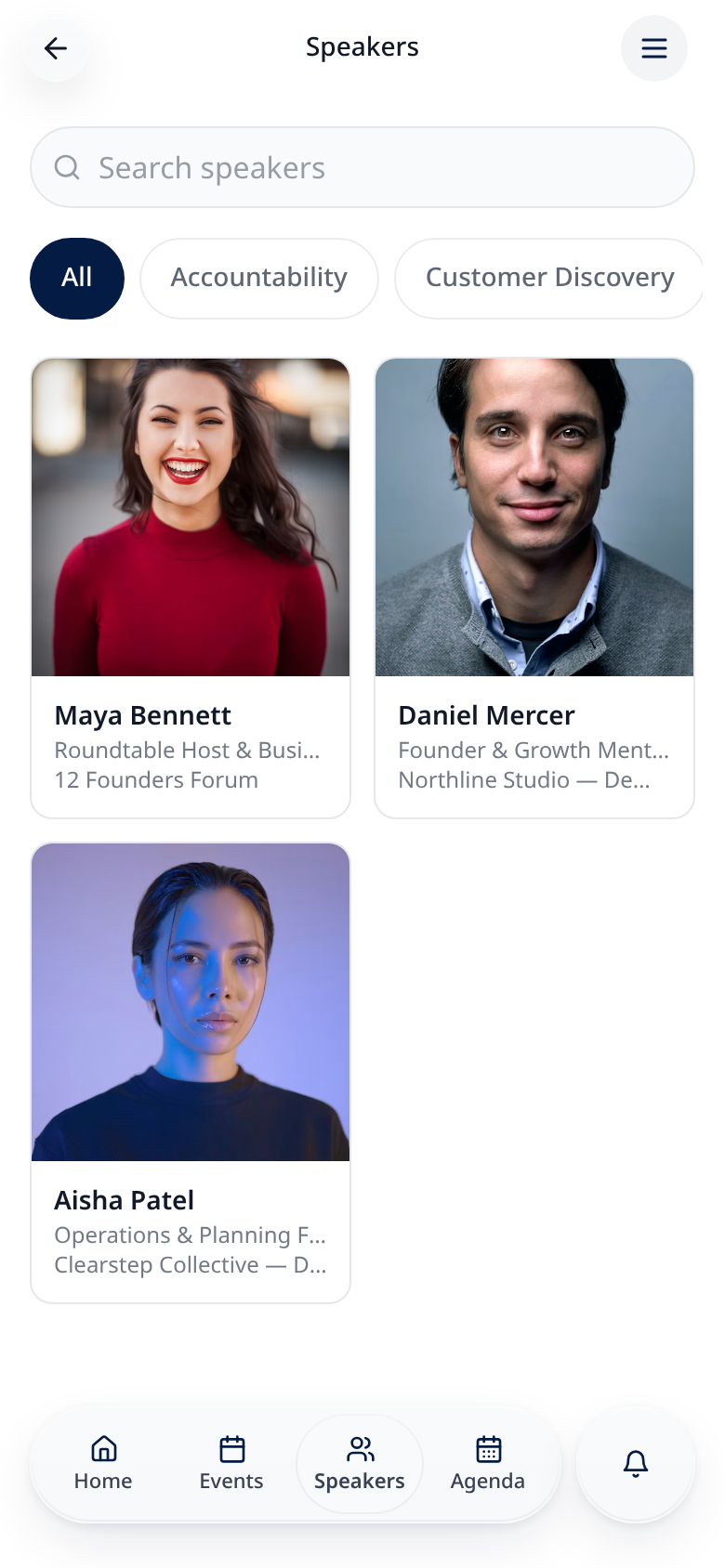
Showcase your speakers
Add speaker profiles with photos and biographies, link them to an event and show them in your app.
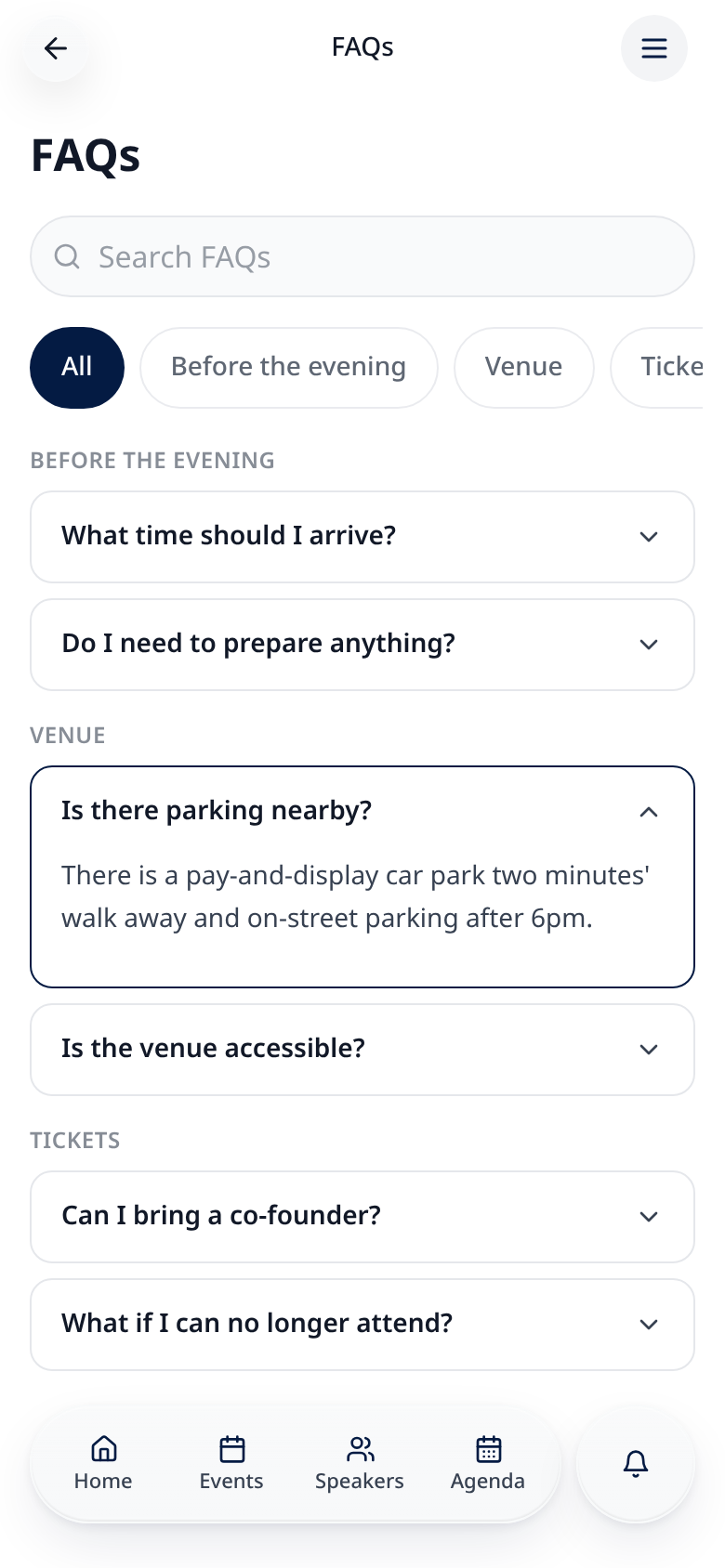
Answer common questions with FAQs
Add searchable questions and answers, sorted into categories, and import them from a spreadsheet.
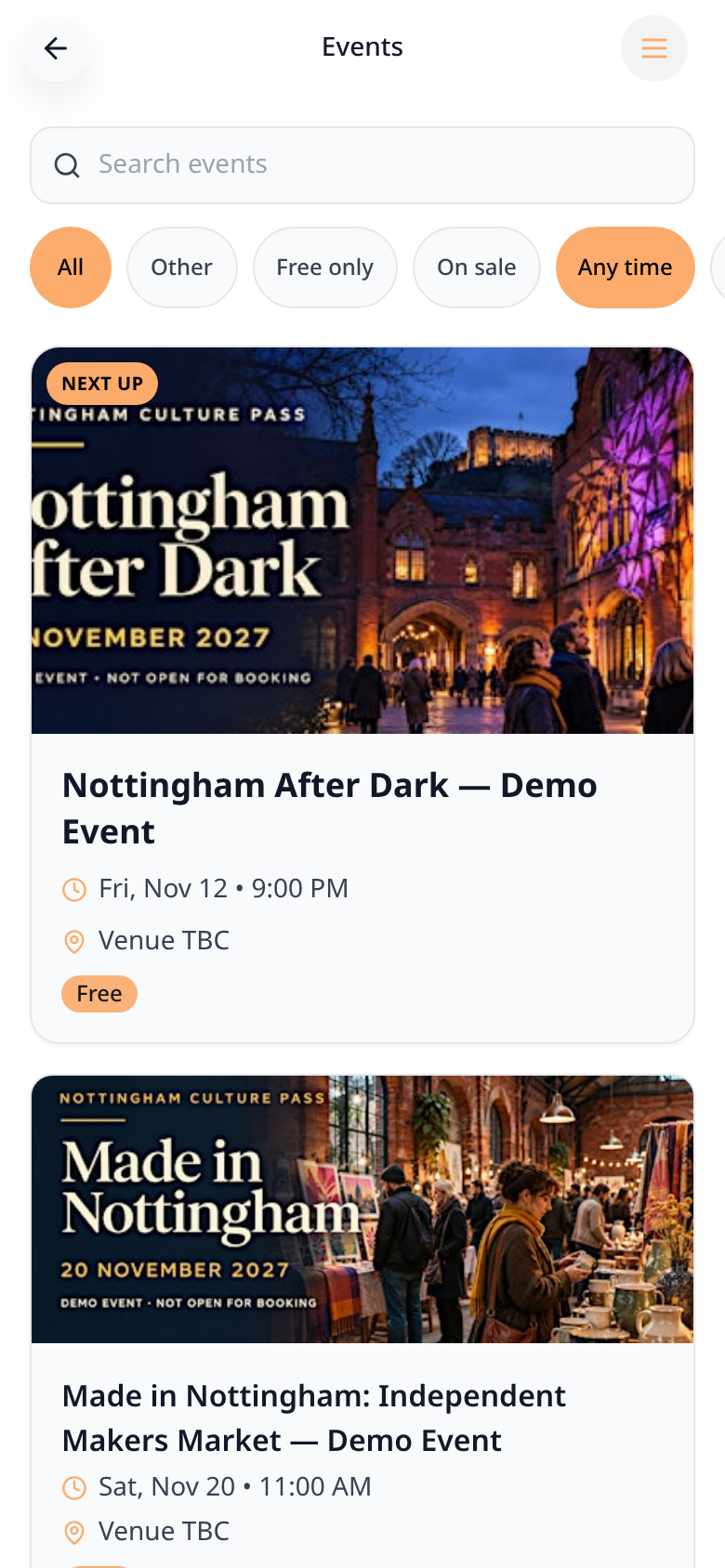
Show Eventbrite events in your app
Connect Eventbrite so your events appear in the app, then let customers save and see the events they're going to.
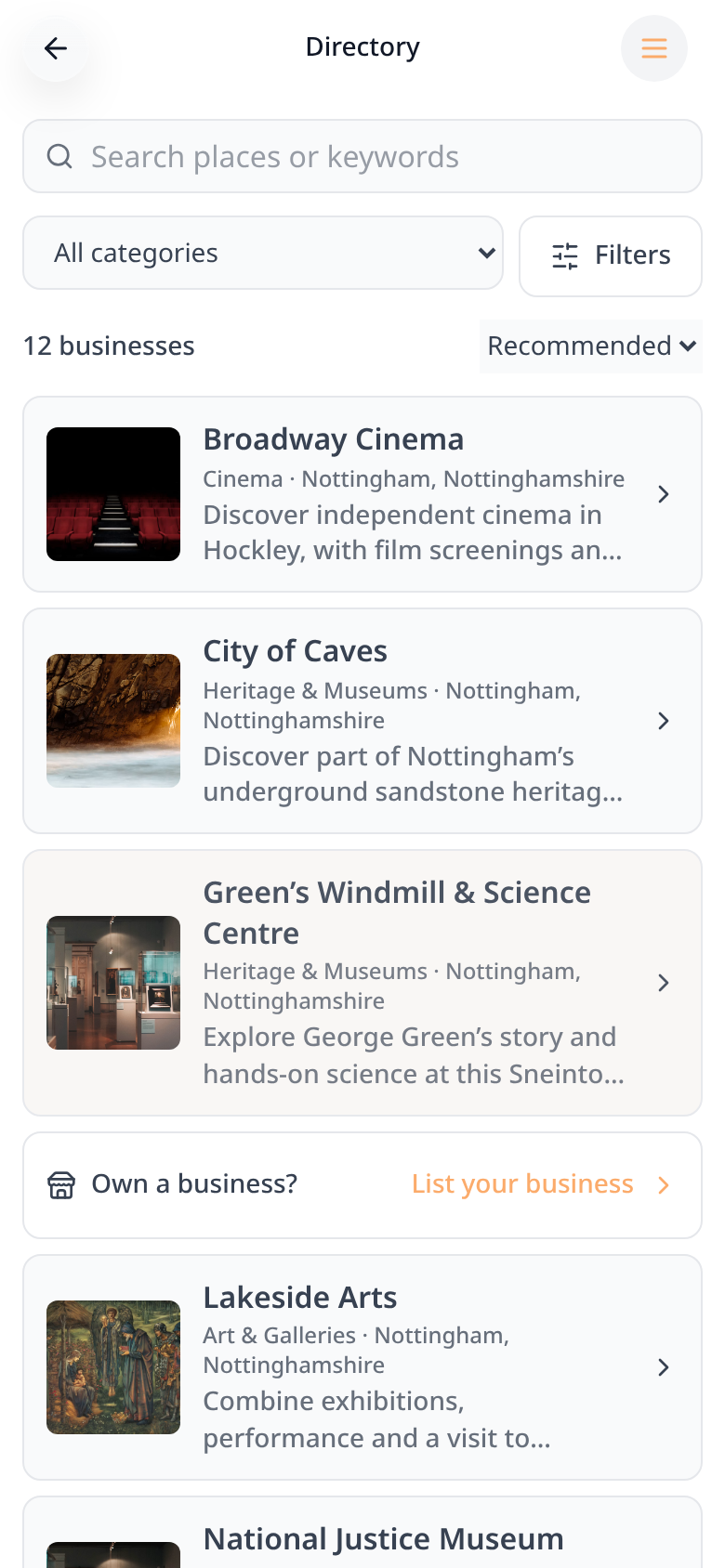
Build a local directory
List local businesses by category, add them from Google or a spreadsheet, and let businesses ask to be listed.
Take bookings with Vagaro
Show your Vagaro booking page inside your app so customers can book without leaving it.